Turn Your Knowledge Into Your Edge
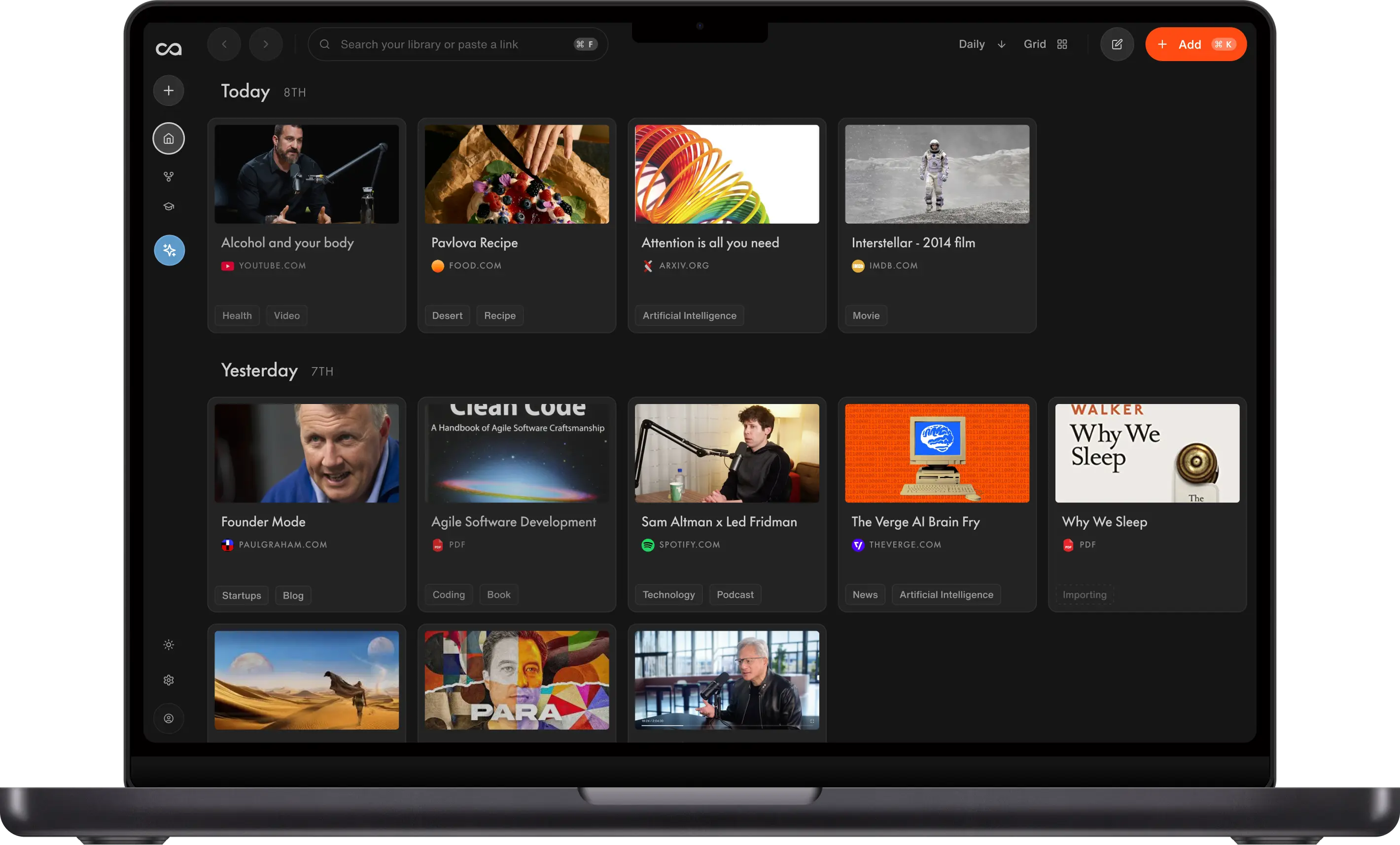
Save YouTube videos, podcasts, PDFs, and notes. Recall summarizes, organizes, and lets you chat with them or the internet using the best AI models for the task.
Used by 700,000+ lifelong learners
Free
$0
For personal note-taking
Includes
10 AI summaries per month
Save unlimited content to read or watch later: articles, videos, and PDFs
Write unlimited notes with blocks, tables, and to-do lists
Link your notes together to build your own visual knowledge graph
API and MCP access
Plus
$10
per month, billed yearly
For your lifelong AI knowledge base
Everything in Free, plus
Unlimited AI summaries
Automatic organization with smart tags
Personal AI chat with your knowledge, the internet, or both
Listen Mode: text-to-speech playback with custom voices
Automatic knowledge graph: related content is linked and visualized so you can discover connections
Augmented Browsing: see connections resurface in real time
Quiz and spaced repetition to reinforce long-term memory
Bulk import up to 1,000 bookmarks or 10,000 Markdown notes
Multi-language support
Max
$38
per month, billed yearly
For power users and complex workflows
Everything in Plus, plus
1:1 onboarding from the founding team
Choose your AI model: ChatGPT, Claude, Gemini, and other frontier models
Bulk AI actions: summarize, tag, and connect up to 100 pieces of content at once
Built for researchers, analysts, and AI enthusiasts running Recall at high volume
Understanding Recall features
What you get on Free, Plus, and Max, explained in plain language.
AI summaries
Turn articles, YouTube videos, podcasts, and PDFs into instant, accurate, concise or detailed summaries with timestamps.
Automatic organization
Recall adds smart tags that group related cards for you. Your library stays organized without manual filing.
Learn more in the docsAI Chat
Chat with everything you have saved, search the open web, or combine both in one conversation across your whole knowledge base.
Recall Notes
Write unlimited notes with blocks, tables, and to-do lists. Build personal knowledge in the same editor you use alongside saved content.
Learn more in the docsListen Mode
Listen to any saved summary with text-to-speech. Choose from custom voices and play summaries while you commute, exercise, or work.
Watch demoAutomatic Connections
Recall links related content automatically and visualizes it in a knowledge graph. Connections resurface as you browse, bringing past ideas to life.
Learn more in the docsSpaced Repetition Quiz
Generate quizzes from saved content and review them on a schedule designed for long-term retention.
Learn more in the docsAPI & MCP access
Connect your knowledge saved in Recall to the AI tools you already use with API and MCP.
Learn more in the docsChoose your AI model
Pick the frontier model for each task, including ChatGPT, Claude, Gemini, and other leading models when you need full control.
Frequently asked questions
Common questions about plans, features, and billing. For the full list, visit our FAQ page.
Getting started
Choosing a plan
Billing & account
Recall vs other tools
Privacy & legal
Have another question? See our full FAQ
Ready to get started?
Save, summarize and chat with your content.
No credit card required · 30 Day Refund on Premium · 24 Hour Support