Second brain
Capture anywhere.Access everywhere.
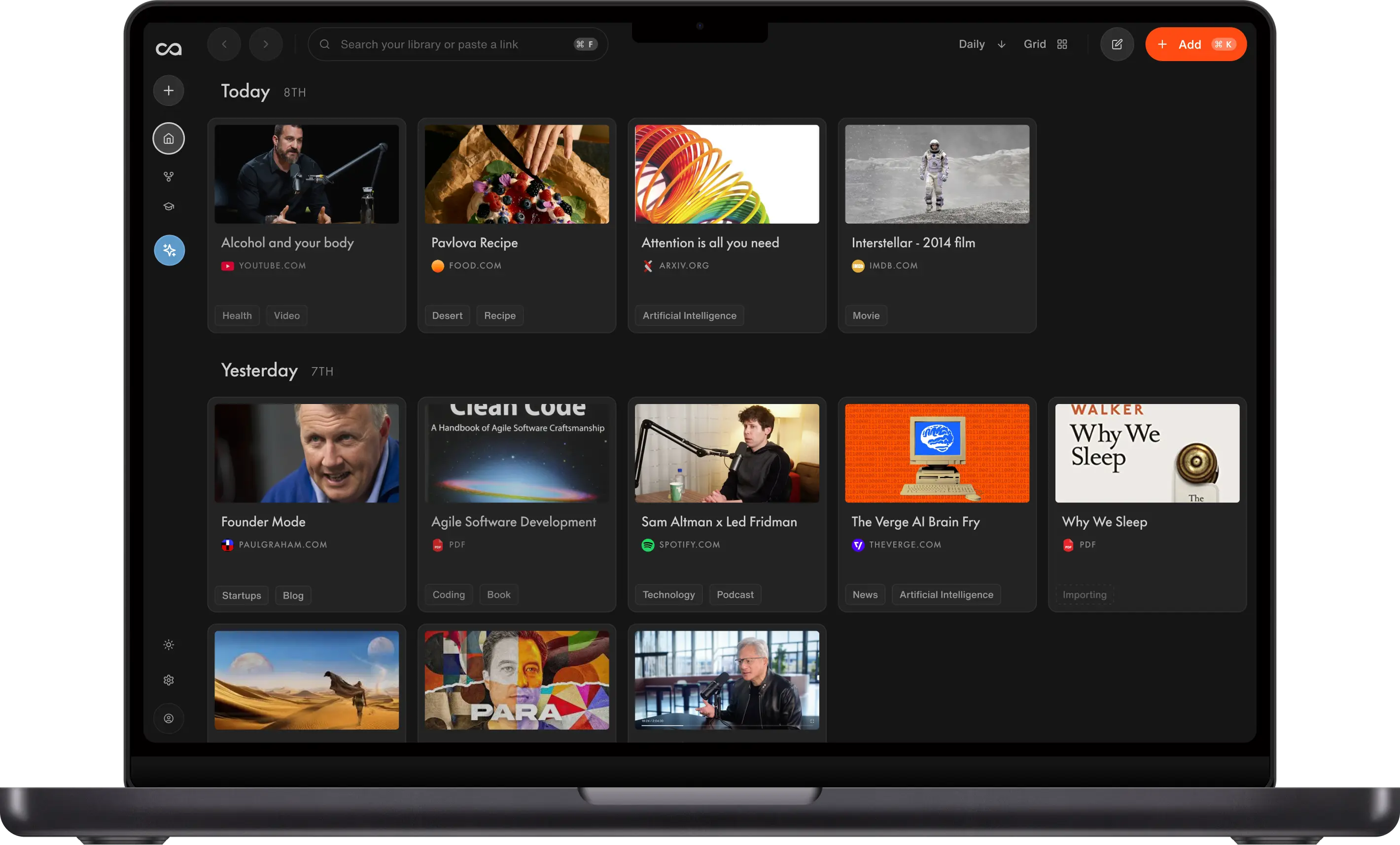
Save an article, video, or PDF from any device. Recall summarizes it, organizes it, and turns everything you save into context for your AI.
Add to Chrome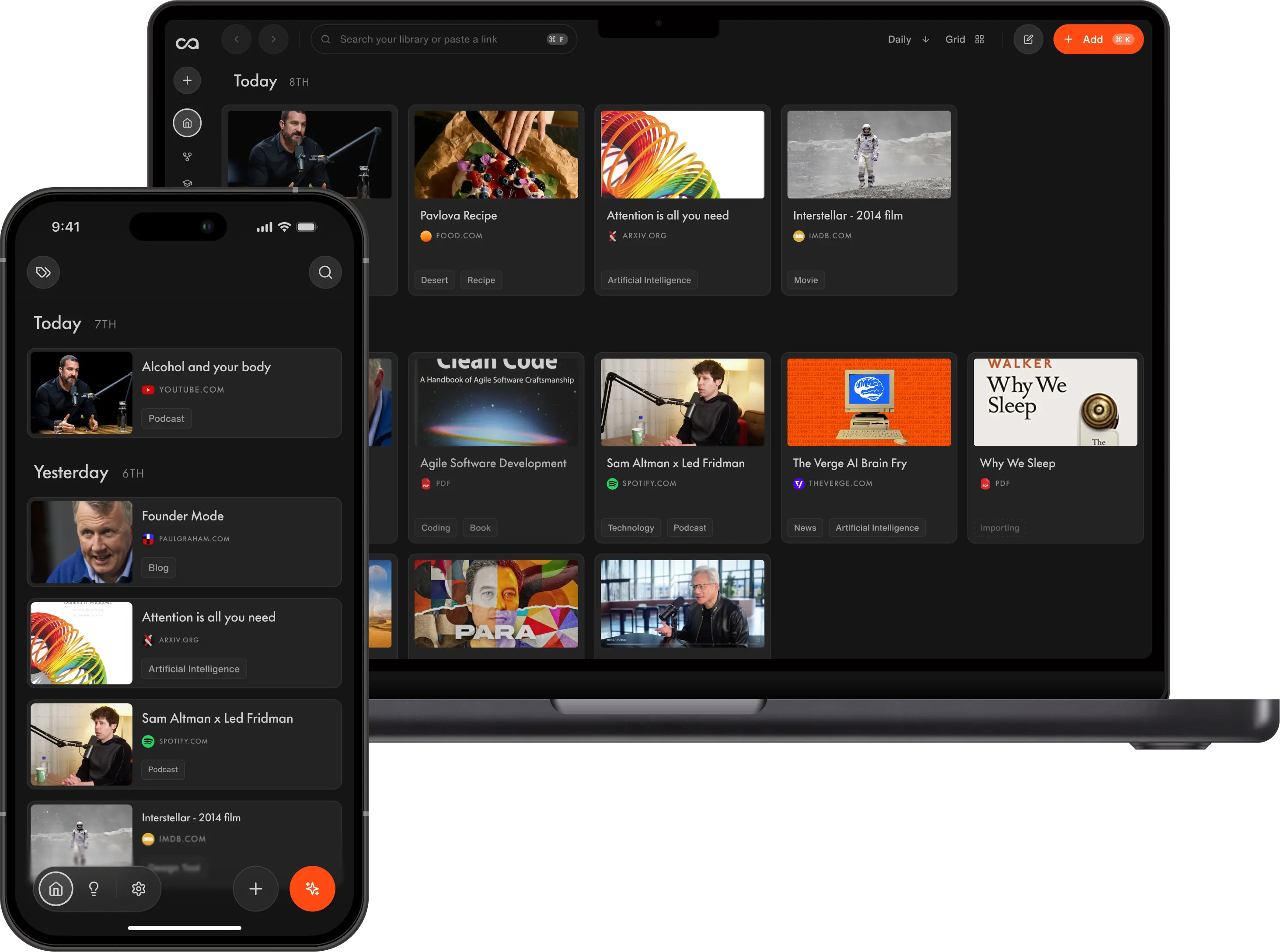


AI Extension
One click to save, summarize, and chat.
Get the gist in a minute
An instant summary you can read or listen to in a custom voice. Skip to what matters, or open the full transcript.
Instant Answers
Chat with the page, the web, or your whole library using ChatGPT, Claude, or Gemini, without leaving the tab.
It gets smarter every time you save
Everything is tagged and organized for you, and becomes context your AI can draw on. Recall links each new save to what you already know, then resurfaces it when you land on a related page.

YouTube

Living to 100
Concise Summary
2h of content in 30 seconds
Living to 100: Lessons from the World's Blue Zones explores communities around the world where people regularly live well into old age with high levels of physical and mental health. The video follows researchers and storytellers as they visit regions such as Sardinia, Okinawa, Nicoya, and Icaria, examining how culture, environment, and daily habits shape long lives. Rather than focusing on medical interventions, the documentary emphasizes simple routines like walking as part of daily life, eating mostly plant-based meals, maintaining close family ties, and staying socially engaged well into old age.

Mobile app
Share on the go. Organized and synced.
Save from any app
Share from YouTube, Spotify, Instagram, TikTok, or any other app.
Listen while you move
Listen and jot down your ideas while on the move.
Picks up where your desktop left off
Everything from your desktop, already synced and organized.
9:41
YouTube
Living to 100
Documentary · 2h 14m
Share
Share
Living to 100
youtube.com
Recall
Messages
Copy
9:41
Recall
Concise Summary
2h of content in 30 seconds
Living to 100: Lessons from the World's Blue Zones explores communities around the world where people regularly live well into old age with high levels of physical and mental health. The video follows researchers and storytellers as they visit regions such as Sardinia, Okinawa, Nicoya, and Icaria, examining how culture, environment, and daily habits shape long lives. Rather than focusing on medical interventions, the documentary emphasizes simple routines like walking as part of daily life, eating mostly plant-based meals, maintaining close family ties, and staying socially engaged well into old age.




Other devices
Installing on another device?


Installation
Finish setup in a few steps
Brief guidance for each platform.
- Click Add to Chrome and confirm the install.
- Approve the requested permissions.
- Pin Recall to your toolbar for one-click access.
- Sign in with your Recall account.
- Save your first page, video, or PDF.
FAQ
Download questions
Setup, syncing, subscriptions, and compatibility.