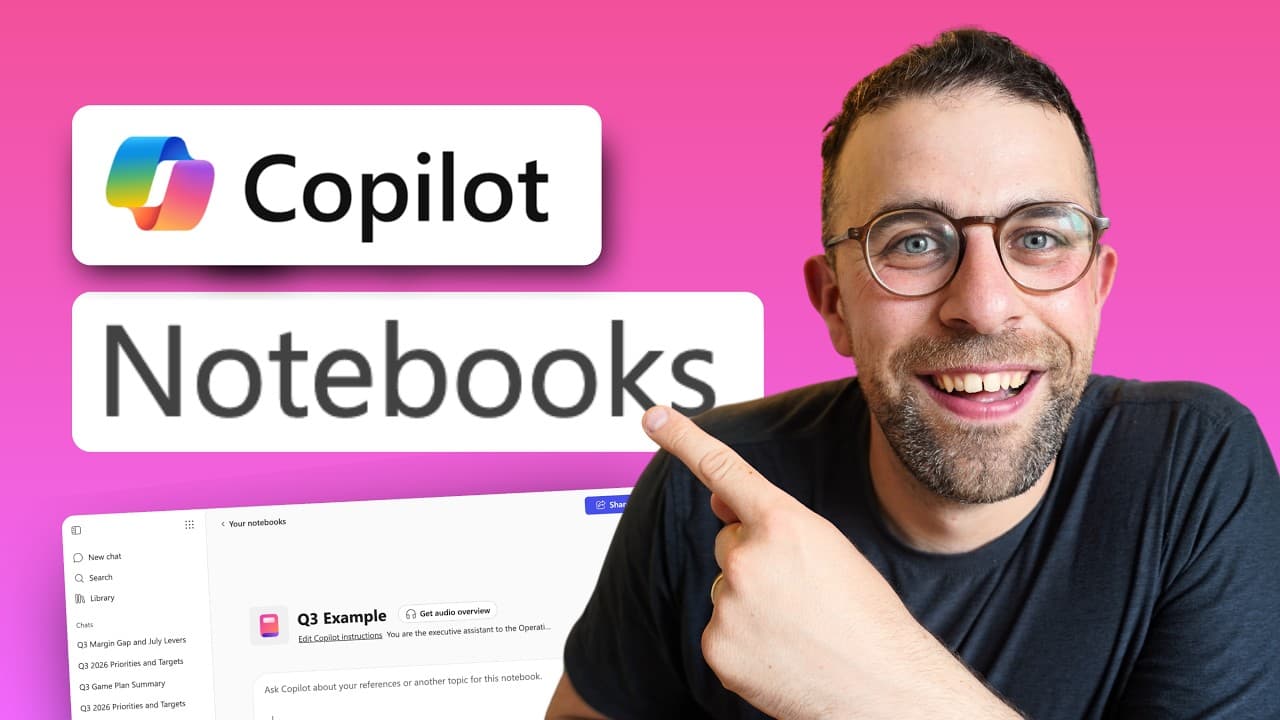

Introduction to Copilot Notebooks
- Microsoft 365 has a hidden feature called Copilot Notebooks, which is an AI workspace that allows users to add context and instructions to complete tasks, and it can pull information from a select amount of files 10s.
- There are two versions of Copilot Notebooks, one for family and personal users, and another for work and school accounts, with the latter being more powerful and offering more features 2m6s.
Accessing and Creating Copilot Notebooks
- To access Copilot Notebooks, users can go to the app launcher in the top left-hand corner of Microsoft 365 and click on the "Notebooks" app, where they can create a new notebook for different projects and add references from various files and sources 2m42s.
- When creating a new notebook, users can add up to 8,000 characters of context using Copilot instructions, which helps the AI improve its output, and they can also add references from files, links, and OneDrive 4m10s.
Features and Functionality of Copilot Notebooks
- Copilot Notebooks also allows users to create shared documents called "pages" and use the Copilot feature to improve the output, and users can view all their previous chats and interactions with the AI 6m0s.
- The feature can be used to organize and work on various projects, such as planning ahead for Q3, by uploading different types of files, including PowerPoint, Excel, and Word documents, and using the Copilot instructions to generate content 8m0s.
Improving Prompts with Double Prompting
- The process of creating a prompt can be improved by double prompting, which involves putting the prompt into an AI engine, getting a prompt out, and adding it to another AI engine to structure it and make it cleaner for the computer to understand, with the goal of improving the prompt before putting it into the system 10s.
- The example provided is of an executive assistant to an operations director at a construction company, with a prompt that is around 956 characters long, and even with a decent prompt, it is possible to get 7,000 more characters if needed, allowing for a more detailed and comprehensive prompt 42s.
Adding Context and Managing Sources
- The Copilot Notebook allows users to add and manage sources, such as documents and files, to provide more context to the prompt, and in this case, a Q3 goals document is added to provide more information for the Copilot to respond to the prompt 2m6s.
- The Copilot responds to the prompt by providing a detailed answer that references the actual document in place, and follows the same prompt instructions that were created earlier, such as creating a 7-day action plan based on how the user typically works 2m6s.
- The Copilot Notebook also allows users to pull in multiple projects and documents to provide more context to the prompt, and in this case, four projects are pulled in to provide more information for the Copilot to respond to the prompt 2m6s.
Audio Overview and Audio Briefings
- The Get Audio Overview feature in Copilot Notebook allows users to generate a podcast-style overview of the information added, which can be helpful for users who are in a rush or prefer to learn through audio, and can be improved by having it as dialogue or narration, professional or shorter 6m30s.
- Copilot Notebooks is a system that helps retain better knowledge based on references added to the notebook itself, and it allows users to add more context, such as generating an audio overview of a specific example, which can take up to 2 minutes to generate 10s.
- Within Copilot Pages, there is a detailed interaction in terms of tagging people and bringing them in to interact, and users can create a document or PDF and share or copy the component to be used in other places inside the Microsoft 365 ecosystem 42s.
- The generated audio briefing can be saved to One Drive, allowing users to listen to it on the go, and the playback speed can be changed to up to 2x or half speed, providing a better overview of how it works 1m30s.
Customization and Sharing Features
- The system can generate audio briefings based on documents, such as a Q3 2026 board update, and it can change the voice or language of the briefing 2m6s.
Alternatives to Copilot Notebooks
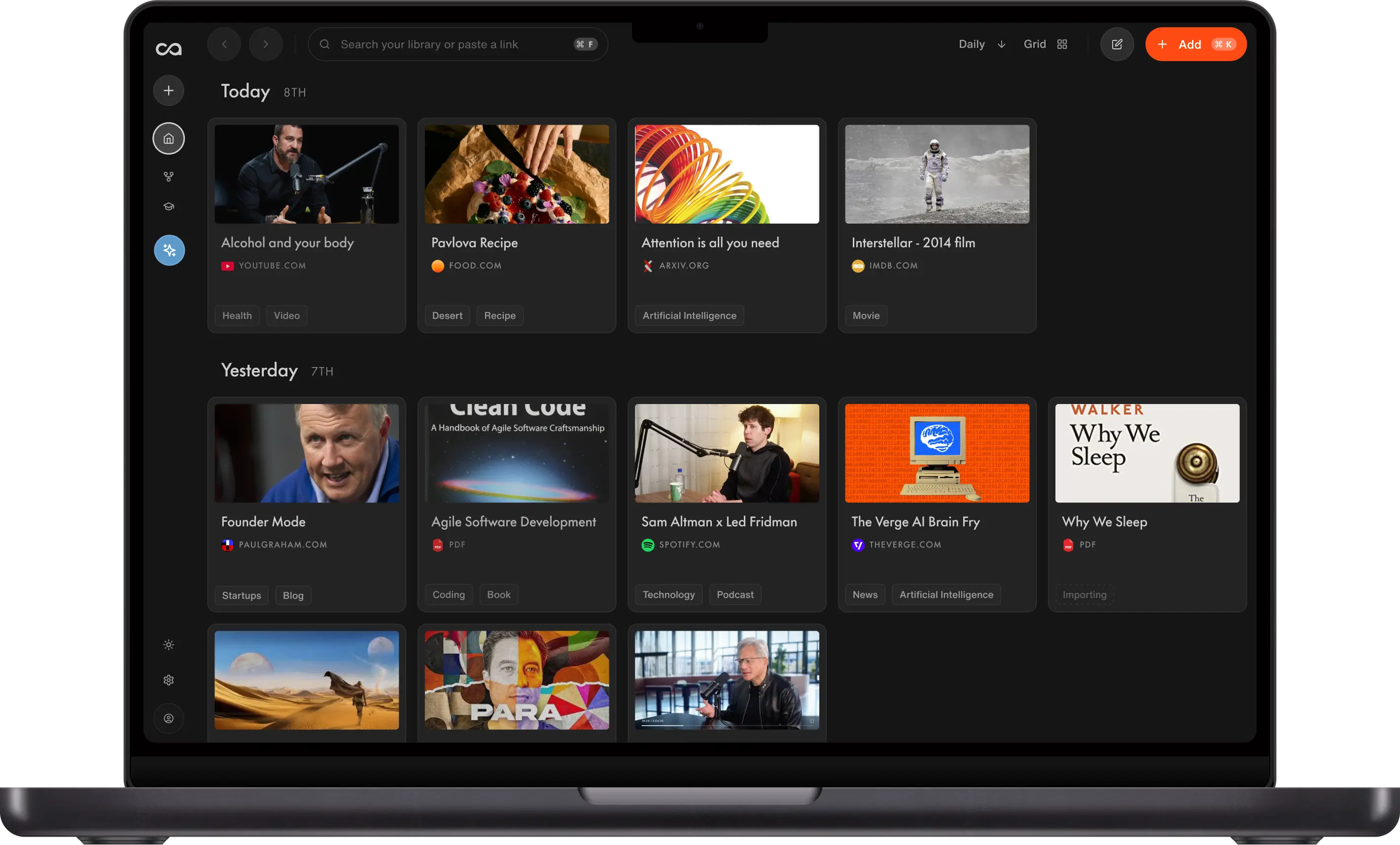
- There are top alternatives to Copilot Notebooks, including Google Notebook LM and Recall AI, which can bring in sources like podcasts and YouTube videos, generate AI voice and cloning, and create flashcards and quizzes 3m40s.
- Recall AI is more suited for consumer interactions and can be used to generate audio briefings in different styles, and it offers features like flashcards and quizzes to help users retain knowledge 4m10s.
Additional Tools and Marketplace Mention
- The video also mentions Setup, a marketplace with hundreds of handpicked Mac apps, which offers a smarter way to manage individual subscriptions and provides access to a range of apps, including Clean my Mac, Bartender, and Alente 5m20s.