

Model Context Protocol Fundamentals
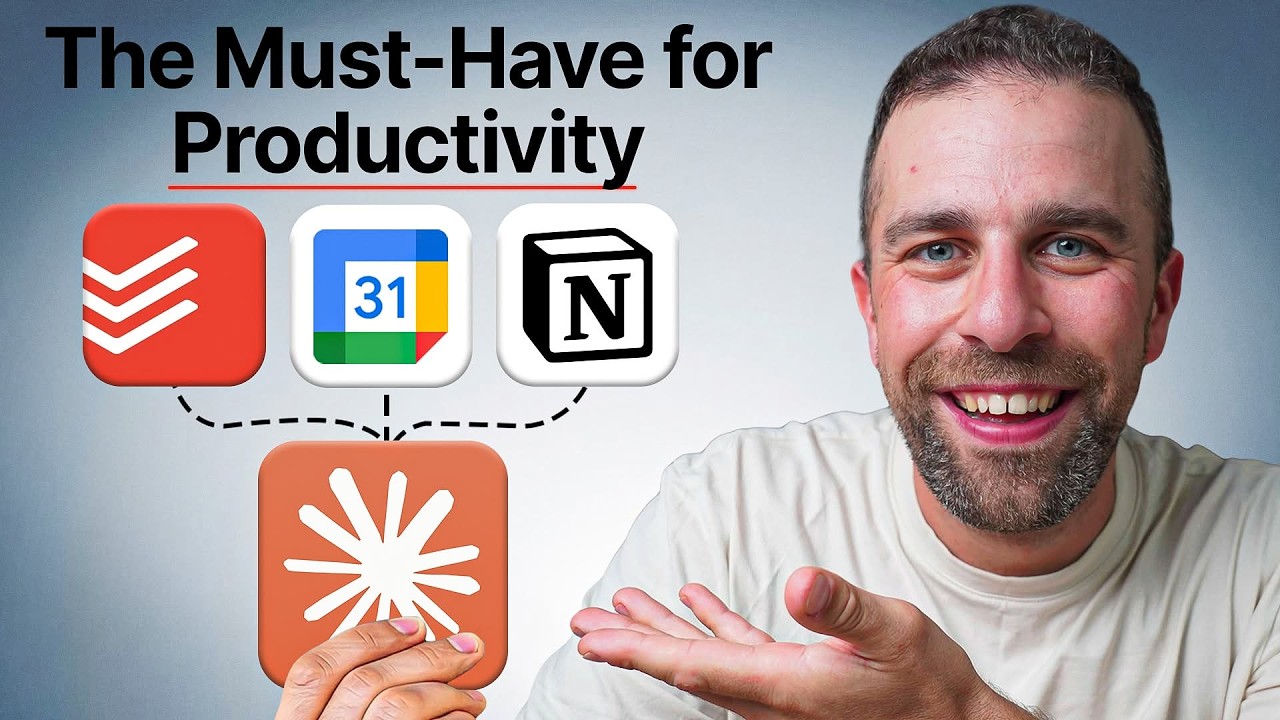
- Model Context Protocol (MCP) serves as a bridge that connects various applications, allowing them to interact with AI models like Claude, ChatGPT, and Gemini 42s.
- Connecting productivity tools such as Google Calendar, Todoist, and Notion to Claude enables the AI to function as a centralized control panel for managing tasks and schedules 0s.
- MCPs facilitate complex workflows, such as asking Claude to add items to a Todoist inbox or performing multi-step organizational tasks across different platforms 42s.
Holiday and Event Planning Automation
- In a practical application for holiday planning, Claude can be used to coordinate schedules by accessing Google Calendar to block out specific days and send calendar invitations to other participants 1m20s.
- Beyond scheduling, Claude can integrate with Todoist to automatically generate and assign preparatory tasks, such as packing bags, based on the planned itinerary 1m45s.
- Users can provide Claude with specific prompts to create trip outlines, block the corresponding dates in Google Calendar, and populate Todoist with necessary action items 2m25s.
- The effectiveness of these integrations increases when the AI is provided with existing context or outlines regarding the user's plans 2m55s.
- Claude can process external information, such as news articles about upcoming events like a solar eclipse, to automatically organize a timeline, identify required items, and schedule necessary preparations in Google Calendar and Todoist 3m12s.
Daily Logging and Meeting Management
- Claude can be used to manage daily food logs and planning by inputting breakfast details, which are then automatically added to a Notion food log and journal 0s.
- By connecting Claude to both Notion and Todoist, users can simultaneously log food in Notion and add grocery reminders to Todoist 25s.
- Claude can retrieve meeting notes from Granola and extract specific information, such as recommended readings or purchases, to populate a Todoist inbox 48s.
- MCP (Model Context Protocol) facilitates the integration of different applications, such as bridging Granola meeting recordings with relevant sponsor notes stored in Notion 1m23s.
Calendar and Task Organization
- Users can request that Claude find and block out specific time segments, such as three 90-minute focus blocks, directly on a connected Google Calendar 1m45s.
- Claude can process screenshots of contact lists to automatically schedule family birthdays as all-day events in a calendar 2m6s.
- During tasks like Todoist inbox triage, Claude can help organize, move, or delete items and transfer tasks to a Google Calendar if they become associated events 2m16s.
- Claude can identify scheduling conflicts by comparing upcoming holiday dates in a calendar against existing meeting bookings 2m35s.
- For trip preparation, Claude can generate a packing list based on calendar travel dates, incorporate weather forecasts, and schedule specific packing tasks in Todoist 2m48s.
Routine and Checklist Management
- Checklists are identified as a helpful tool for managing daily routines when integrated with these automated workflows 3m13s.
- Claude can be utilized to manage recurring processes, such as preparing children's lunch boxes, by generating subtasks to ensure no items are forgotten 0s.
- Subtasks generated by Claude can be maintained within an inbox or transferred to specific checklist areas within Todoist 0s.
Best Practices for MCP Integration
- Model Context Protocols (MCPs) serve as a method to transform chat applications into more functional personal assistants 7s.
- Users are advised to review the privacy policies of any applications connected via MCPs 12s.
- A recommended strategy is to prioritize actions over answers, as focusing on actionable tasks provides greater utility 15s.
- Integrating tools like Google Calendar and Todoist through MCPs offers a significant advantage for productivity management 20s.
- It is beneficial to search for available MCPs that correspond to the specific calendar, notes, and task management applications currently in use 24s.
- For automations that are performed on a routine basis, utilizing a "skill" can improve the interface with MCPs and lead to higher-quality results 28s.