
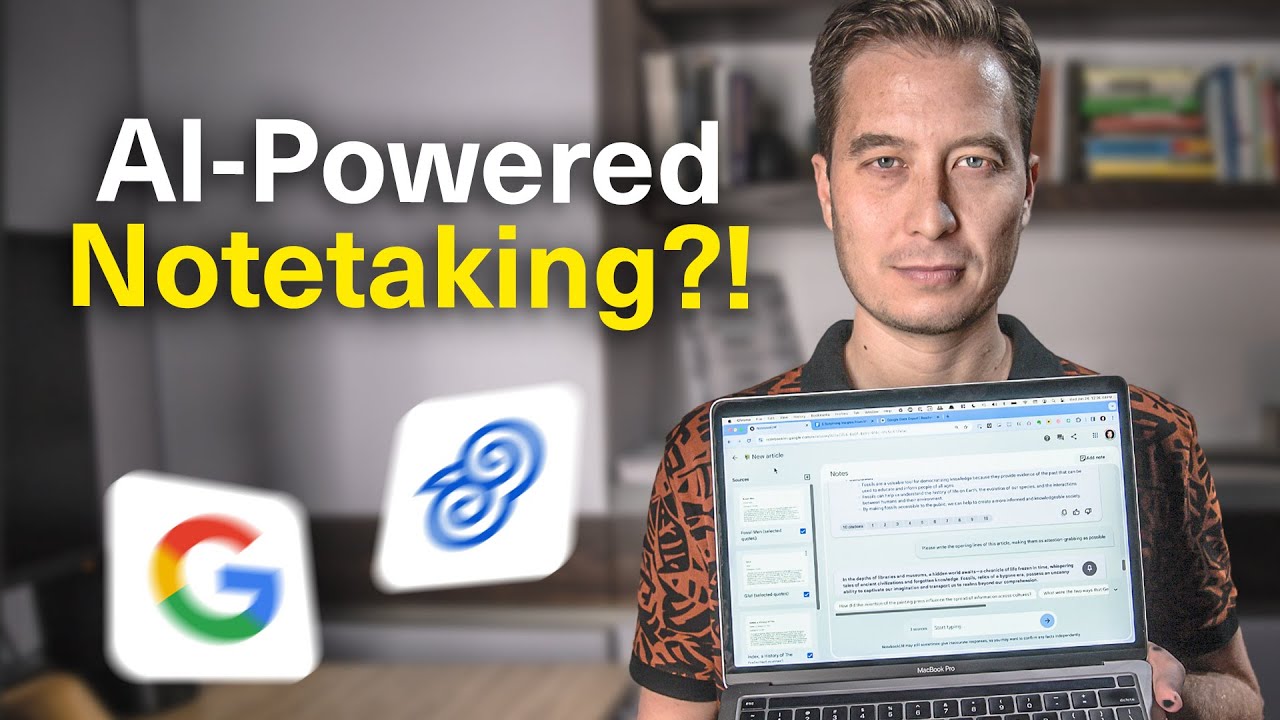
Platform Overview and Access
- NotebookLM is a platform designed to manage information and notes, aiming to eliminate the need for manual organization, formatting, and searching within traditional note-taking applications 0s.
- The platform utilizes Google's Gemini AI models and was developed in part by author Steven Johnson, who is noted for his work in the "tools for thought" and "second brain" categories 25s.
- Access to NotebookLM is currently limited to users in the United States who are at least 18 years old, and users can sign in using a Google account at notebooklm.google.com 1m5s.
Managing Notebook Sources
- Information within the platform is organized into individual "notebooks," which serve as contained spaces for specific projects or topics 1m25s.
- The interface features a "sources" column on the left, where users can upload information for the AI to analyze 1m45s.
- Users can add up to 20 sources per notebook, with each source supporting up to 200,000 words, allowing for a total context window of up to 4 million words 2m6s.
- Supported source types include documents from Google Drive, uploaded PDFs, and text copied and pasted from other applications 1m55s.
AI Analysis and Synthesis
- Upon adding a source, the AI automatically generates a summary or abstract and identifies key topics from the document 2m25s.
- The platform is designed to allow users to draw information from multiple sources simultaneously, enabling the synthesis of knowledge across various documents, such as notes from past books or articles 2m45s.
- NotebookLM allows users to select multiple sources, such as books or articles, to be uploaded into a sidebar for analysis 0s.
Conversational Interface and Interaction
- Once sources are loaded, the primary interface is a chat box that functions similarly to other AI tools, enabling users to converse with the AI based specifically on the provided documents 25s.
- The AI can generate structured, hierarchical outlines with main points and supporting evidence derived from the uploaded source material 42s.
- The platform provides context-specific suggested questions that change based on the content of the uploaded texts 1m5s.
- Users can interact with the AI to refine responses by requesting expansions, distillations, or specific formats such as poems, narratives, or FAQ structures 1m25s.
Note Management and Integration
- A pin icon allows users to save specific AI responses to a dedicated space at the top of the screen, functioning as a pinboard for easy reference 1m55s.
- Users can add additional information to their project by creating new notes, which can be populated by pasting text from external sources like note-taking apps, emails, or online articles 2m15s.
- Once a new note is created and selected, the AI incorporates that additional information into its analysis alongside the previously uploaded sources 2m45s.
Source Grounded AI Functionality
- NotebookLM is a note-taking application redesigned by Google to integrate modern AI, allowing users to aggregate notes into a single location rather than manually organizing them into files and folders 0s.
- The platform utilizes "Source grounded AI," which enables users to train the tool on specific, trusted documents such as book excerpts, class notes, article highlights, or personal thoughts 22s.
- By pointing the AI at a specific set of documents, the tool gains expertise in that information, ensuring that responses are drawn exclusively from the provided authoritative and private sources 35s.
- Users can upload complex documents, such as academic papers, to receive simplified summaries or explanations of technical content 50s.
Advanced Interaction and Citations
- The conversational interface allows for follow-up questions, enabling users to explore specific concepts or examples derived from the uploaded source material 1m8s.
- NotebookLM can generate new content based on source documents, such as drafting a letter to an IT administrator based on arguments found within a technical paper 1m25s.
- The tool provides citations for its generated content, allowing users to verify the evidence by clicking on links that display the original text in its broader context 1m45s.
- When a citation is selected, the application opens a window that highlights the specific source text in purple, showing the surrounding information to provide a holistic view of the argument 2m6s.
Meeting Transcripts and Document Processing
- Meeting transcripts, which can be lengthy and convoluted, serve as an effective use case for the tool, as it can extract specific facts or opinions from large volumes of text 2m25s.
- Users can import Google Docs containing meeting transcriptions into a notebook to quickly search for or summarize information from extensive records 2m45s.
- NotebookLM allows users to interact with documents, including large files exceeding 12,000 words that may exceed the capacity of other AI tools 0s.
- Users can query documents to extract specific information, such as identifying key points from a conversation or summarizing meeting details 15s.
Content Generation and Privacy
- The platform can generate professional documents, such as training program proposals, by synthesizing information from uploaded source materials 38s.
- Users can upload entire books or additional source materials to provide the AI with more context for generating detailed content like full-day workshop curricula 1m2s.
- NotebookLM maintains user privacy by ensuring that uploaded sources are not used to train models, are not shared with others, and are cleared from the AI's short-term memory once the notebook is closed 1m45s.
Writing Assistance and Editing
- The tool can function as an editor for creative or complex writing by analyzing drafts and providing suggestions for improvement 2m15s.
- When a source is added, NotebookLM automatically generates a source guide that includes a summary and identifies key topics 2m30s.
- The AI can rewrite drafts based on specific instructions, such as converting bulleted lists into prose or adopting a more succinct writing style 2m45s.
- Users can integrate multiple diverse sources, such as personal notes on specific books, to help the AI synthesize information and refine existing writing projects 3m15s.
Ideation and Research Connections
- NotebookLM can analyze books and provide citations to explain how it derives specific advice, such as recommending against the use of clever or punny headings in favor of clarity and utility 0s.
- The tool serves as a collaborator during the early ideation process, helping to organize messy notes and provide structure for potential writing projects 15s.
- Users can import sources from Google Drive, such as notes from Readwise, to generate research avenues or related ideas based on specific books 30s.
- By adding multiple sources, such as books on the history of indexing and the evolution of information management, the AI can identify connections and relationships between different texts 1m5s.
Content Creation and Workflow
- The AI can suggest article topics based on specific themes, such as the democratization of knowledge, and refine those ideas by incorporating examples from additional sources like paleontology 1m30s.
- Once an outline is established, the AI can generate specific content, such as attention-grabbing opening lines for an article, through a conversational back-and-forth process 2m15s.
- This workflow relies on having a collection of notes and highlights stored in Google Drive, which can be facilitated by using Readwise to sync reading data 2m35s.
Integrating Readwise Data
- Users can aggregate content from sources such as Kindle eBooks, social media, and the Readwise Reader app into Google Drive to utilize them within NotebookLM 0s.
- To integrate Readwise with Google Docs, users must connect their accounts and ensure the Google Docs export setting is configured correctly 18s.
- Enabling a specific setting in Readwise allows users to consolidate all highlights into a single Google Doc or a limited number of documents, which helps stay within the 20-source limit per notebook 35s.
- Exporting highlights to Google Docs can take several hours depending on the volume of data, after which a dedicated Readwise folder will appear in Google Drive 1m5s.
Technical Limitations and Constraints
- NotebookLM is an experimental platform that currently features a learning curve and potential bugs due to its new interface 1m15s.
- The platform requires sources to be provided as Google Docs or PDFs, as it lacks direct integration with note-taking applications like Evernote, Notion, or Google Keep 1m30s.
- Users are restricted to a maximum of 20 sources per notebook, necessitating manual consolidation if they exceed this limit 1m45s.
- NotebookLM may encounter difficulties with mathematical calculations, PDFs containing messy formatting, and retrieving precise details from very large source documents 1m55s.
- The NotebookLM team has indicated that improvements and fixes for existing technical limitations are currently in development 2m5s.
Future Workflow and Access
- NotebookLM aims to integrate the creative process—including reading, researching, note-taking, and writing—into a single space to maintain a continuous workflow 2m15s.
- The tool functions as an AI collaborator that is trained specifically on the data provided by the user 2m35s.
- Interested users can access the platform by signing up for a free account at notebooklm.google.com 2m45s.


