Chrome Extension
Save, Summarize and Chatwith any page on Chrome
Add Recall to Chrome from the Chrome Web Store. Save any page in one click, get an instant AI summary, and keep building your second brain while you browse.
Add to ChromeTrusted by 700,000+ users

YouTube

Living to 100
Concise Summary
2h of content in 30 seconds
Living to 100: Lessons from the World's Blue Zones explores communities around the world where people regularly live well into old age with high levels of physical and mental health. The video follows researchers and storytellers as they visit regions such as Sardinia, Okinawa, Nicoya, and Icaria, examining how culture, environment, and daily habits shape long lives. Rather than focusing on medical interventions, the documentary emphasizes simple routines like walking as part of daily life, eating mostly plant-based meals, maintaining close family ties, and staying socially engaged well into old age.

Installation
Install the Chrome Web Clipper
Click the web clipper icon on any page in Chrome for an instant summary, saved and organized in your knowledge base.
Add to Chrome01
Add it to Chrome
Click Add to Chrome and confirm the install from the Chrome Web Store.
02
Approve permissions
Allow the permissions so Recall can save the page you choose and generate a summary.
03
Pin Recall
Pin Recall to your toolbar so one click is always on the current tab.
04
Sign in and save
Click the Recall icon, sign in, then open any page you want to keep and click the extension again to save it.
IN ACTION
Save hours every day
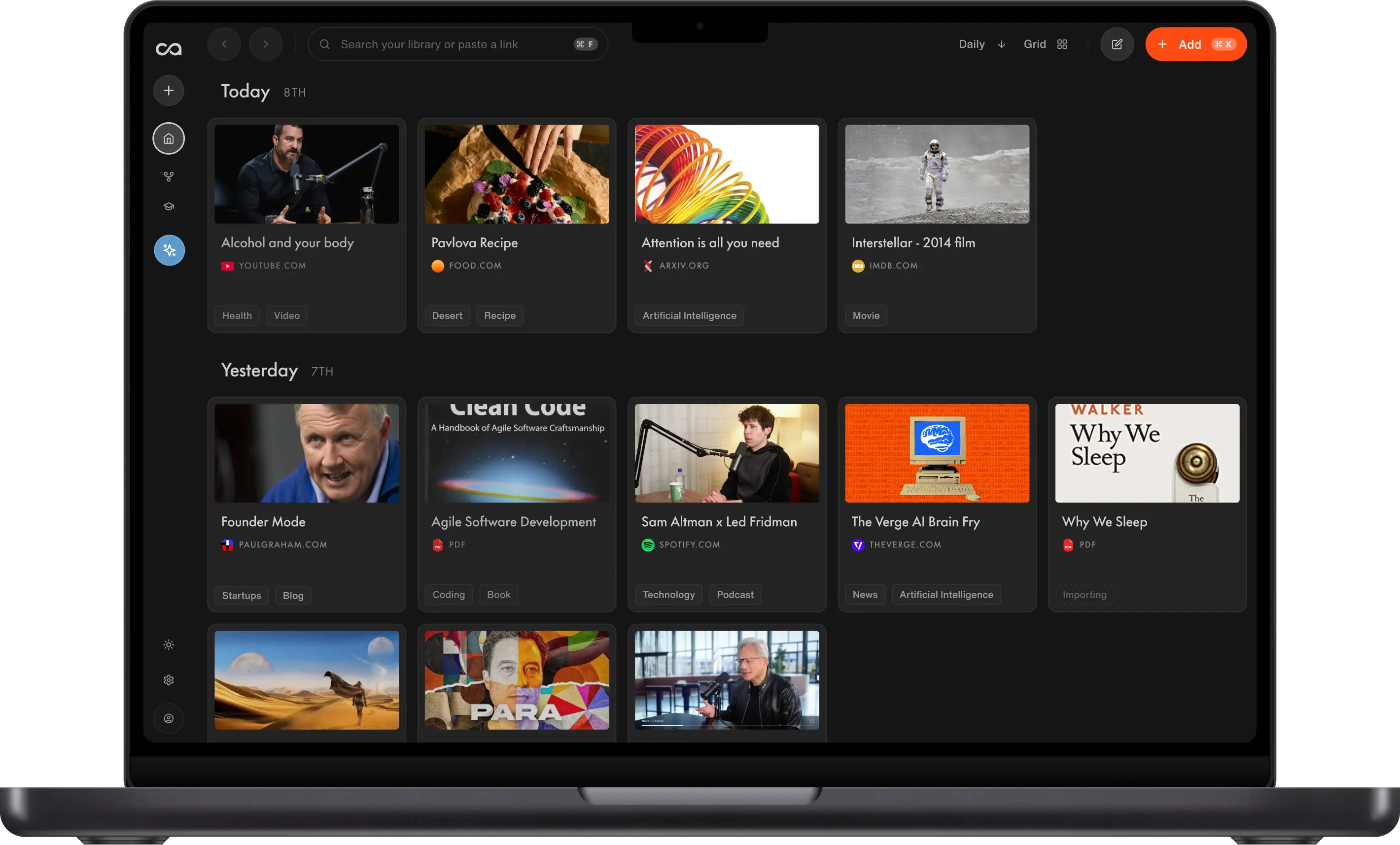
Overwhelmed by endless content? Get the key points of any online content in Chrome and reclaim your time for what truly matters to you.
FEATURES
Bring the web into your second brain
The Recall browser extension is free to start and built to help you save time, get to the point, and keep your full knowledge base with you as you browse. Everything you clip syncs to your personal knowledge base automatically.
Save Without Limits
Clip as many articles, videos, PDFs, and pages as you want. No source caps. Use Recall as your free read-it-later app.
Instant AI Summaries
Every save can produce a summary you can read or listen to in minutes, so you get the key points without leaving the tab.
Automatic Organization
Tags, connections, and structure happen for you. Each clip lands in a searchable knowledge base instead of a pile of bookmarks.
Chat With Your Knowledge
Get Instant Answers about the page you are on, or pull in your entire knowledge base for context. Use ChatGPT, Claude, or Gemini without leaving the browser.
Resurface Related Ideas
As you browse, Recall can resurface saved content related to what you are reading, so past saves show up when they matter.
Secure & Yours
Recall never trains AI on your content. What you clip stays under your control, and you can export anytime.




FAQ
Chrome Web Clipper questions
Install steps, summaries, chat, and syncing across devices.
Ready to clip in Chrome?
Install the Web Clipper for Chrome and turn every page you save into lasting knowledge.
No credit card required · 30 Day Refund on Premium · 24 Hour Support