Comparison of Note-Taking Methods
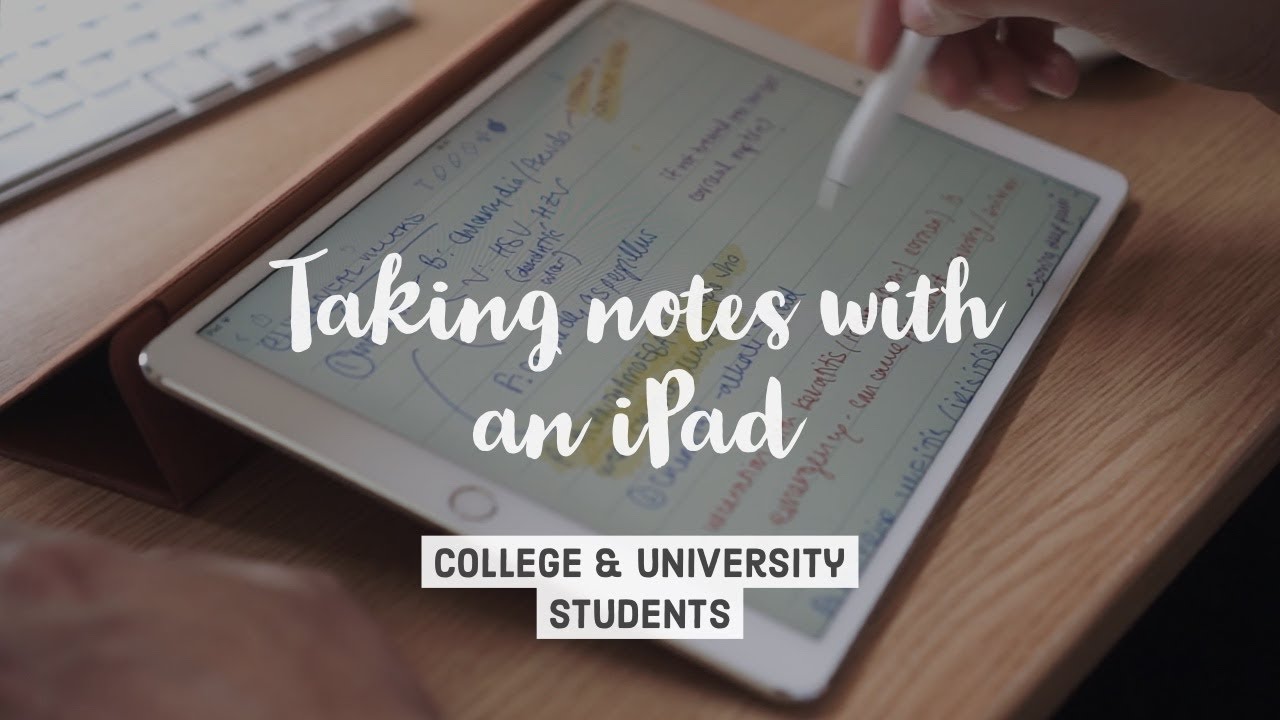
- Elia is a final-year medical student at Cambridge University who utilizes an iPad and Apple Pencil for academic note-taking 0s.
- The note-taking process is categorized into three main areas: the rationale for using a hybrid iPad method, hardware recommendations, and the specific application of the app Notability for various lecture scenarios 10s.
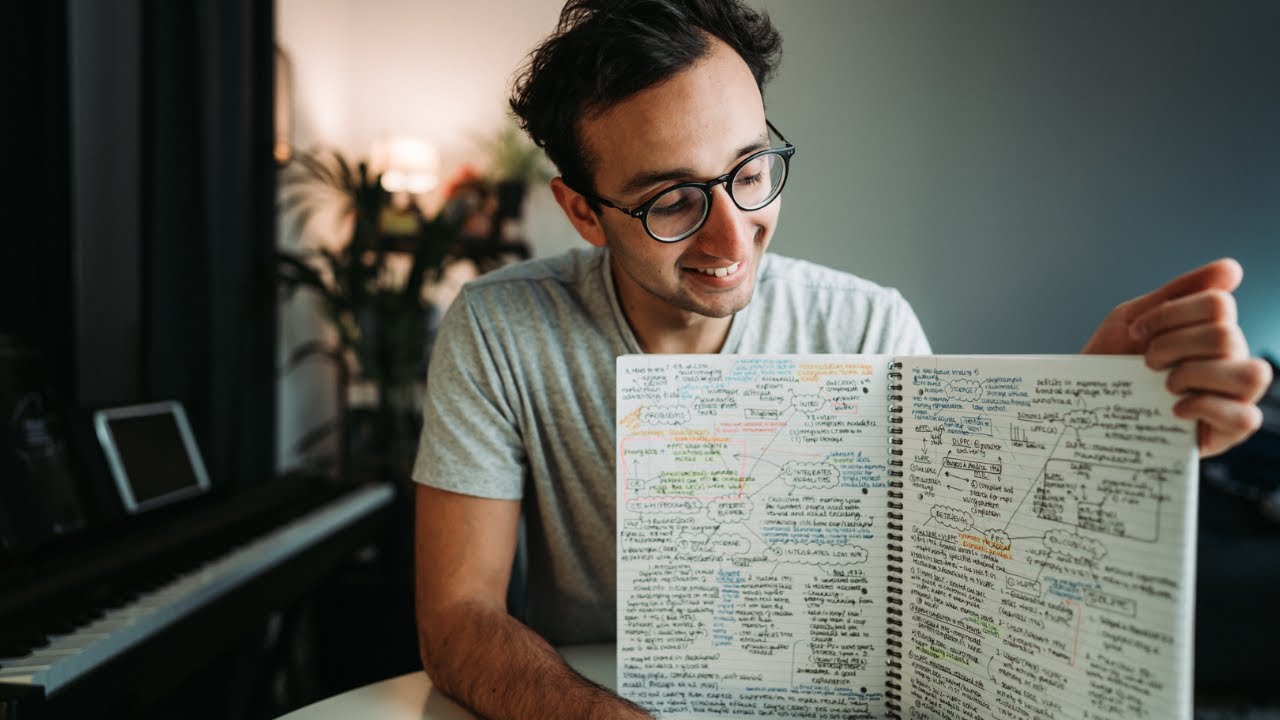
- Handwriting notes is associated with increased information retention because the process requires students to be selective, distill information, and engage in active processing through diagrams, colors, and spatial organization 42s.
- A significant disadvantage of traditional pen-and-paper handwriting is the physical burden of managing large volumes of paper, which makes retrieving and reviewing notes cumbersome 1m15s.
- Typing notes on a laptop offers the advantage of digital accessibility, as files can be synced across multiple devices and easily searched 1m35s.
- A primary drawback of typing is that fast typists often inadvertently transcribe lectures word-for-word, which leads to passive learning and the inclusion of unnecessary filler content 1m45s.
- Typed notes are described as visually unappealing and bland, which can discourage students from reviewing or adding to their notes later 2m15s.
- The iPad and Apple Pencil method is intended to combine the cognitive benefits of handwriting with the organizational and search capabilities of digital note-taking 2m25s.
Hardware Recommendations for Students
- The iPad Pro is a high-cost device, but the 2018 iPad model offers Apple Pencil support at approximately half the price, making it a more suitable option for students on a tight budget 0s.
- While the iPad Pro is more powerful and features a reduced gap between the screen and the Apple Pencil—providing a writing experience closer to paper—this difference is generally not noticeable to users who are not digital artists 42s.
Notability Application Features and Workflow
- Notability is recommended as a primary note-taking application, particularly for users who also own a Mac OS device 1m35s.
- OneNote is suggested as an alternative for users operating on Windows, as Notability is not available on that platform 1m45s.
- Notability allows for organized note-taking through a hierarchical structure of dividers and subjects, which mimics the traditional method of using folders and paper 2m6s.
- The application provides various color options for writing and highlighting, which can be used to customize notes 2m25s.
- Notability supports integration with cloud services like Google Drive and Dropbox, allowing for the direct import of PDF files 2m42s.
- Documents can be scanned using an iPhone app like Scannable, converted to PDFs, and transferred to the iPad via AirDrop for seamless integration into Notability 2m55s.
- Unlike OneNote, which utilizes an infinite canvas, Notability restricts writing to specific pages, a format that is more consistent with the experience of writing on traditional paper 3m12s.
- Notability is preferred over OneNote and Evernote because its page-based format facilitates the export of notes as standard PDFs, which simplifies the process of sharing materials with peers 0s.
- While other note-taking applications like GoodNotes exist, Notability has been the primary tool used for the past four years 42s.
Lecture Note-Taking Strategies
- Effective lecture note-taking ideally involves pre-reading slides to establish subheadings, though in practice, notes are often generated in real-time during the lecture 1m5s.
- Active note-taking during lectures, including drawing, using arrows, and highlighting, helps maintain engagement and prevents falling asleep 1m35s.
- Notability allows for the integration of images directly into notes, which is particularly useful for image-heavy subjects like radiology 2m6s.
- Once images are imported into Notability, they can be annotated, highlighted, moved, or cropped to create organized and visually clear lecture notes 2m25s.
Digitizing and Managing Handouts
- For small group sessions that utilize paper handouts, the Scannable app can be used to digitize physical documents to avoid losing or damaging paper copies 2m48s.
- Documents can be converted to PDF format, transferred to an iPad, and opened in Notability for note-taking and annotation. 0s
- Notability allows users to combine handwritten notes with imported PDF handouts, enabling the completion of worksheets during educational sessions. 12s
- Notes stored in Notability are synchronized across multiple devices, including iPads, Macs, and phones. 25s
Clinical and Professional Applications
- During clinical observations, such as GP consultations, an iPad can be used to record patient information and quickly research unfamiliar medical terms, like Epstein's anomaly, using split-screen mode with a web browser. 32s
- Information and images found online can be dragged and dropped directly into Notability notes for further annotation, highlighting, or color-coding. 1m5s
- Using an iPad and stylus in a clinical setting is perceived as more professional than using a smartphone, as it signals active engagement and note-taking rather than personal messaging. 1m25s
- Notability serves as a digital library for medical textbooks, allowing users to import PDFs to answer multiple-choice questions without permanently marking the pages. 1m45s
- The application is used to organize and annotate digital sheet music, facilitating the learning process by allowing users to write note names and chords directly onto the scores. 2m15s
Summary of Note-Taking Preferences and Tools
- Handwriting notes is preferred over typing because it is more engaging and encourages the creation of more detailed content. 0s
- The process of handwriting, which includes drawing arrows, creating boxes, and making notes visually appealing, serves as a motivator for completing tasks and planning projects. 0s
- Notability is the primary application used for note-taking, though OneNote is recommended as a suitable alternative for those using Windows computers due to its similar feature set. 35s
- The iPad is utilized for a variety of purposes, including taking notes during lectures, managing handouts in clinical scenarios, organizing sheet music, annotating PDF books, and capturing general ideas. 35s
- The 2018 budget iPad model is recommended for students because it supports the Apple Pencil. 35s
- A future video comparing the iPad Pro and the 2018 iPad is planned for release. 35s