

Audio Processing and Editing
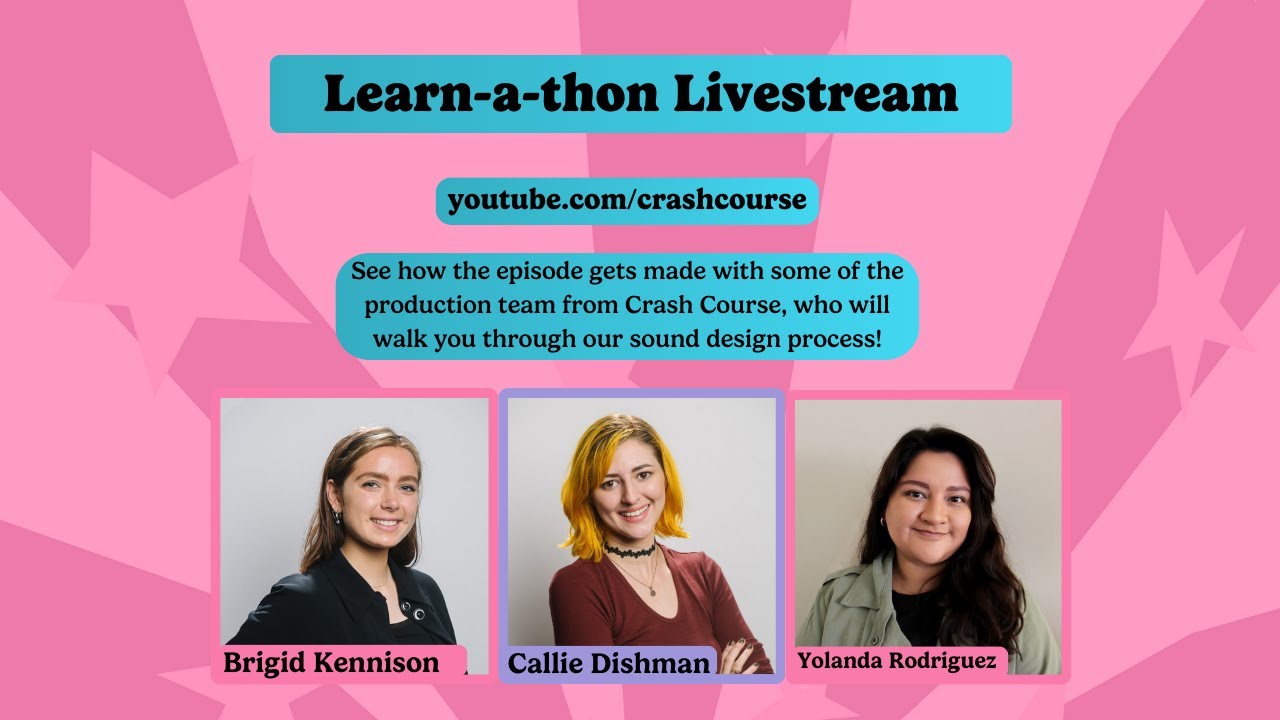
- Callie, a sound designer, uses Ableton Live for basic mixing and editing and Adobe Premiere for sound design. 6m4s
- Callie receives audio files from the editor, Sarah, in an OMF format, opens them in Adobe Audition, and then exports them for use in Ableton Live. 6m41s
- Callie, the audio engineer, uses Adobe Audition to edit and mix the audio tracks, including music and voiceovers, to ensure a seamless and balanced sound. 25m24s
- Cie typically works on the audio of Crash Course videos in a specific order: host audio, then music, then sound effects. 49m47s
Narration Processing
- Callie's audio processing for narration includes using an EQ to cut frequencies below 60Hz and above 18,000Hz, a gate to reduce breaths and mouth sounds, a compressor, and a de-esser. 7m30s
- Sarah's voice is already compressed, so it doesn't need much additional compression. 10m35s
- Cali does more de-essing on higher-pitched voices to soften their sound and sometimes boosts the low end for a fuller effect. 16m0s
- Cali uses a noise gate to remove breaths and mouth sounds, but this step is sometimes skipped due to time constraints. 16m33s
- Nolan manually removes noticeable mouth sounds and adjusts audio cuts in Premiere Pro before Cali receives the audio. 17m30s
- Cali uses compression to balance the volume levels in the audio, making loud parts quieter and quiet parts louder, especially noticeable with Hank's speech patterns. 18m44s
- Cali uses de-essing to reduce sibilance in voices, making them less harsh and fatiguing to listen to. 20m12s
Music Selection and Use
- Music for each episode is sourced from a subscription service. 22m21s
- Bridget receives multiple music options and provides feedback on what sounds best. 22m43s
- Music used in the videos is sourced from Epidemic Sound. 31m0s
- The music in the videos is used to highlight important moments and elevate the content. 58m42s
Sound Effects
- The sound effects used for the art history videos are custom made. 33m55s
- Callie chose paper sounds for transitions in art history videos because the visual effects often resemble paper. 34m42s
- Callie uses a variety of sources for sound effects, including her own recordings, free sound libraries like freesound.org, and a subscription service called Splice. 36m44s
- The "Canon Cannon" sound effect, used in the art history series to highlight artists, is a combination of various sounds, including a spark, a clunk, and the cannon firing. 38m42s
- A balance is struck between whimsical, funny, dark, and serious tones through the use of cheering and other sound effects. 41m16s
- Sound effects are used to highlight movement and visual details, such as a scratching noise for a scene depicting the removal of debris from art. 42m30s
- Each Crash Course series uses a unique library of sound effects, with some sounds, like "Arrow," appearing frequently across multiple series. 44m2s
Video Editing and Production
- Bridget, the video editor, finds the rough cut stage, where sound effects and music are added, to be her favorite part of the editing process. 51m16s
- Cie combats ear fatigue by taking breaks every hour to remove his headphones and step away from the screen. 53m5s
- The audio and visual elements of the videos are designed to help viewers retain information. 57m9s
- Crash Course videos are moving in a direction to include more moments of repose to help viewers focus. 57m41s
Art Preservation Examples
- Limestone deteriorates easily when exposed to salt, which is a concern for the preservation of cave paintings on the Indonesian island of Sulawesi. 10m59s
- Egypt's climate is warming at twice the rate of the rest of the world, threatening its historical sites. 11m16s
- Cecilia Jimenez attempted to restore a fresco titled Ecce Homo at her church in Borjas, Spain in 2012. 30m5s