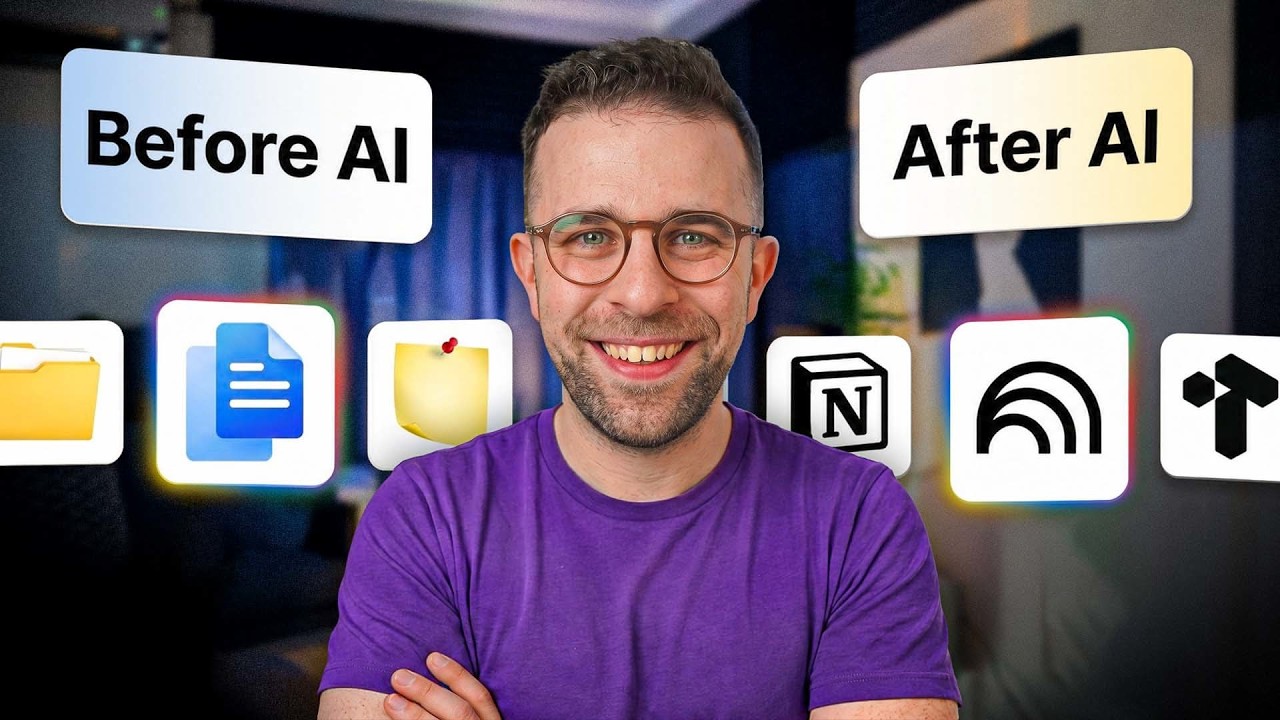


Evolution and Impact of AI in Note-Taking Apps
- The best note-taking apps have evolved to include AI capabilities, such as organizing notes, summarizing meetings, and allowing users to chat with their notes, with typing notes being the bare minimum, and this change has occurred over the last 20 years, particularly with advancements in the last few years 10s.
- The integration of AI in note-taking apps has led to three significant changes: capture has become cheaper, with features like voice note transcription and screenshot understanding, organization has become more automatic, and retrieval of notes has become easier, allowing users to ask AI about specific notes and save time 2m6s.
Overview of Top AI-Powered Note-Taking Apps
- Notion is considered one of the top AI note-taking apps, offering an all-in-one database, chatbots, and AI-powered tools, making it an ideal choice for teams, with features like custom agents and collaboration elements that enable users to share notes and work together seamlessly 4m42s.
- Google Notebook LM is another notable app, allowing users to create notes from various sources and formats, converse with them, and turn them into useful outputs like presentations or podcasts, making it a promising tool for the future of note-taking, with optional upgrade plans available 6m30s.
- A third app, which combines elements of traditional PKM tools and AI universe tools, is also mentioned as a top option, although its name is not specified in the provided text, offering a unique approach to note-taking and knowledge management 8m10s.
Tanner: An AI-First Note-Taking Application
- Tanner is an AI-first power user note-taking application that combines traditional structure with AI abilities, featuring memos that can be turned into relevant items using super tags and automations, and is available on Mac, Windows, web, iOS, and Android for just over $10 per month 10s.
Capacities: Object-Based Note-Taking with AI
- Capacities is a note-taking app that uses object-based note-taking, allowing users to turn everything into reusable objects, and features a built-in AI system for summarizing, drafting, and bringing together knowledge, as well as daily notes, backlinks, and a graph view, with a free plan and premium plans that are reasonably priced 2m6s.
RemNote: A Student-Focused Note-Taking App
- RemNote is a student-based note-taking app that combines note-taking with flashcards, allowing students to learn and develop knowledge on a topic, and features an outliner setup, image flashcards in the premium plan, and a reasonable pricing plan starting at $8 a month 4m30s.
- RemNote is considered one of the best in-class student note-takers, outperforming other tools like Cocoonote, and offers a discount for students, with a link to find the discount available below 6m20s.
Setup: A Marketplace for Mac Apps
- Setup is a marketplace with hundreds of handpicked Mac apps, offering a smarter way to manage individual subscriptions, with a link to find more information available below 8m10s.
Purchasing Options and Bundled Tools
- The note-taking apps can be purchased individually or through a membership that provides access to all of them, with tools like Clean My Mac, Bartender, and Alente Pro, offering features such as system cleaning, menu bar decluttering, and battery protection, and a 30-day trial is available 10s.
XTiles: A Visual Note-Taking and Planning Tool
- XTiles is a tile-based canvas that allows users to bring together notes, plans, and calendars, with features like a free-form canvas, dashboard tool, and loads of premium templates, and it offers a free plan, as well as a pro plan starting at $8 per month, and is available on Mac, iOS, Android, and Windows 2m6s.
Other Visual and Idea Organization Apps
- Other visual note-taking apps include Heepase, Scrintle, and Milan notes, which are great for mood boarding and idea organization, and more information can be found in a linked article 4m30s.
- Recall is a note-taking app that auto-organizes notes, whether from podcasts, YouTube, or bookmarks, and allows users to turn notes into outputs like quizzes, and it has a free trial and premium pricing, with a discount available for Toolfinder premium users 5m30s.
Obsidian and Craft: Advanced Note-Taking Tools
- Obsidian is a powerful PKM tool that allows users to connect notes, create graph views, and canvas views, and can be combined with Clawed Code for AI-powered note-taking, and it offers local and on-device storage for increased security, with a pricing plan available for those who want to secure their notes and use them across devices 8m0s.
- Craft is a note-taking app that has added features like databases, tables, and AI abilities, including Craft Agents, and it is available on iOS, Mac, and web, with a beautiful interface and an impressive team working to improve its AI capabilities 10m0s.
Final Thoughts and Recommendations
- The note-taking apps discussed are worth checking out, with a hefty discount of about 40% available, and it is essential to consider the different approaches to note-taking, such as traditional and AI systems, when evaluating these apps 10s.
- There are two different camps of people, those who use note-taking as a productivity goal, often utilizing AI systems, and those who view note-taking as a mindfulness task, focusing on the act of taking notes for its own sake, without a specific goal or output in mind 1m6s.
- AI is a significant factor to consider when choosing a note-taking app, and some notable recommendations, including Logyote, can be found in the link in the description, providing additional options to explore 2m6s.
- The discussion highlights the importance of considering individual preferences and needs when selecting a note-taking app, and subscribers are encouraged to check out the recommended apps and subscribe for more content 2m42s.