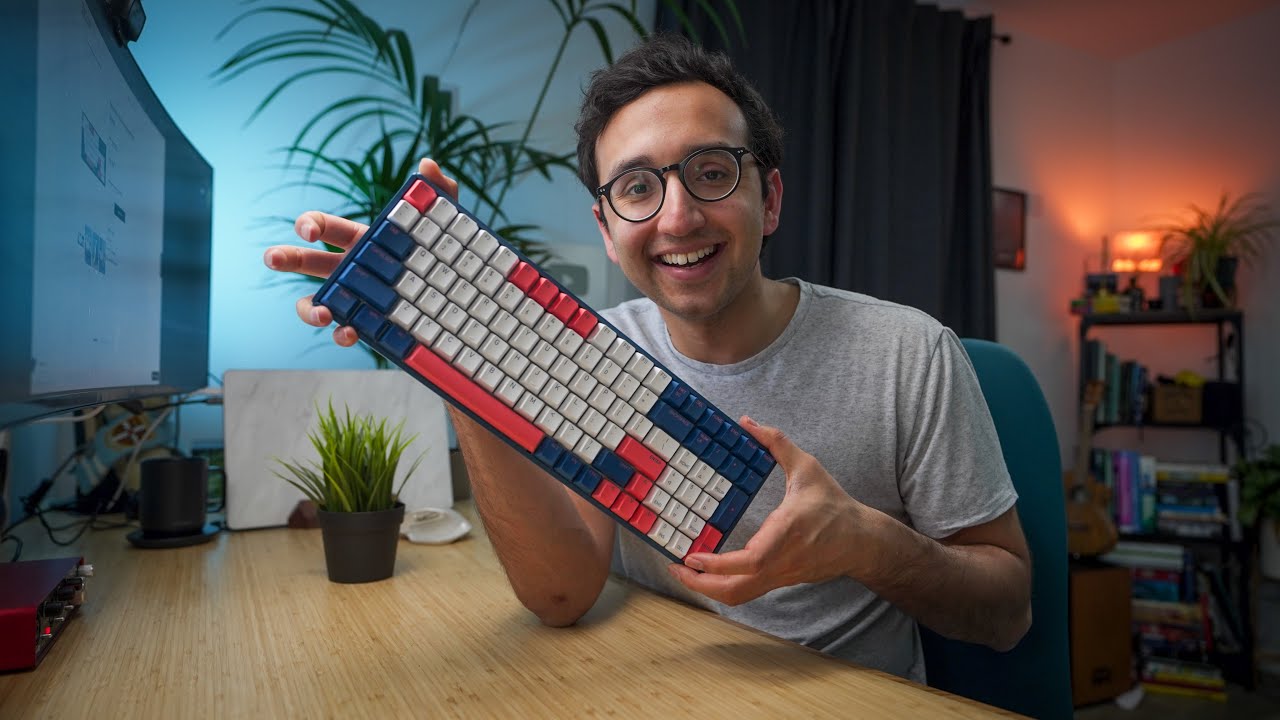


Intro 0s
- The video covers the topic of improving typing speed.
- The speaker is Ali, a UK-based doctor, who types around 155 words per minute.
- Average typing speed is around 45 words per minute; professionals should aim for 80+.
- Typing faster is linked to increased productivity and creativity.
- The video promises to provide eight practical tips to improve typing speed.
Learn keyboard shortcuts 3m0s & ## Try to use only the keyboard 7m50s
- Learning keyboard shortcuts, like option + backspace to delete entire words, boosts typing efficiency.
- Using command + backspace can delete an entire line on a Mac.
- Using only the keyboard and minimizing mouse use enhances productivity.
- The use of tools like Alfred for Mac helps perform tasks quickly and improves typing ability.
Practice on 10fastfingers.com 4m37s & ## Practice on keybr.com 6m12s
- Websites like 10fastfingers.com and Keybr.com are recommended for practicing typing.
- Regular typing tests can help improve typing speed, as reported by people who practiced and saw significant improvements.
- Keybr.com also identifies specific letters the user struggles with and provides targeted practice.
Overall, the video emphasizes the benefits of typing faster, particularly highlighting productivity and impressiveness to others. It suggests learning keyboard shortcuts and using keyboard-centric tools, as well as practicing with specialized websites to increase typing speed and efficiency.
Try to never look at the keyboard 9m56s
- Avoid looking at the keyboard to improve typing speed
- Focus on training muscle memory rather than visual key identification
- Forcing oneself not to look at the keyboard helps correct mistakes and enhances typing speed
Fingers to correct resting position 10m43s
- Maintain a resting position on the home keys (A, S, D, F for the left hand, J, K, L, semicolon for the right hand)
- F and J keys usually have raised indicators to help find the rest position without looking
- Similar to the home position in piano playing, returning fingers to these keys is beneficial
Try to make noise 11m16s
- Making noise while typing might increase typing speed
- The act of typing louder or harder can psychologically encourage faster typing
- While possibly less efficient, striking keys with force can correlate with increased speed


