
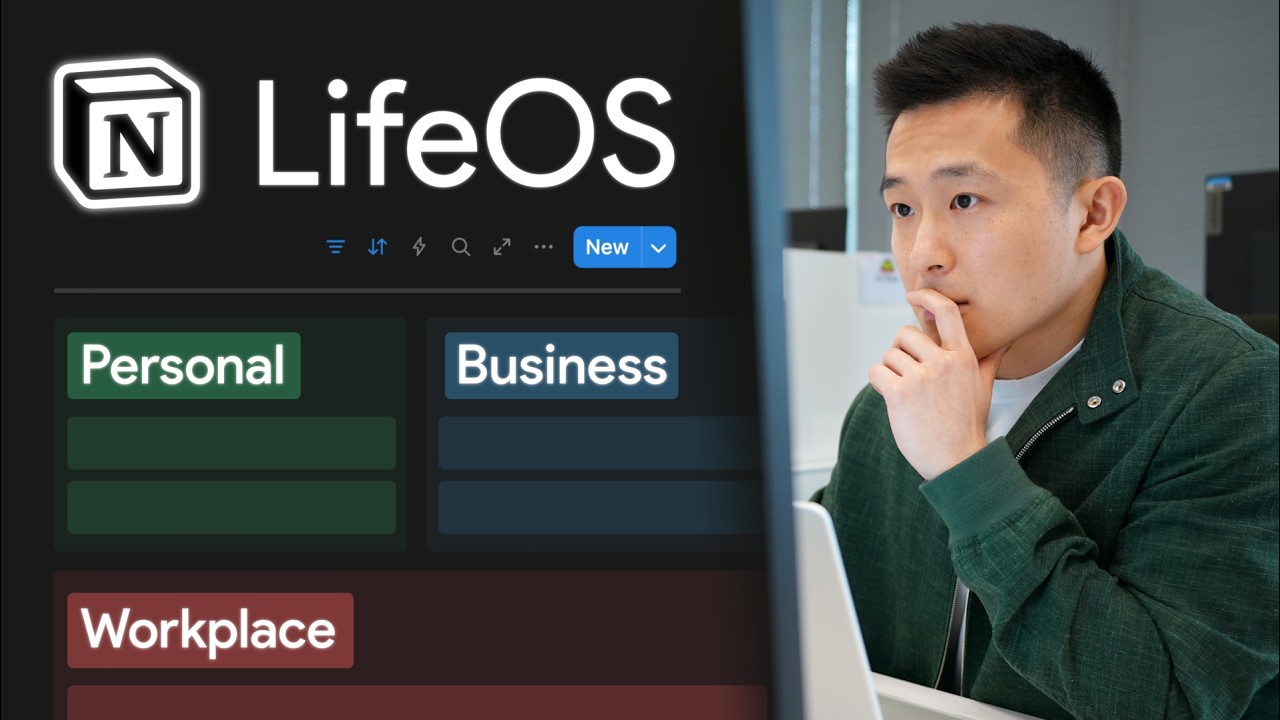
Daily Task Management and Workflow
- A centralized Notion command center allows for the management of a full-time job, content creation across four platforms, and personal life responsibilities 0s.
- The system utilizes a "new date" button to generate a daily checklist each morning, which eliminates the need for decision-making regarding daily tasks 25s.
- The daily workflow includes completing a custom "make time" process, replying to messages, checking a calendar for birthdays and daily commitments, and processing tasks 42s.
- Tasks are processed by copying them from a weekly task view and linking them into the daily checklist, which allows for flexible organization and the creation of subsections based on location or context 1m15s.
- Linking tasks to their original entries preserves important context, such as hyperlinks or specific instructions, and allows for easy rescheduling if a task is not completed 2m15s.
- The daily checklist can be customized to include recurring requirements, such as responding to social media comments 2m55s.
Quick Action and Capture Systems
- Frictionless action taking is achieved through "quick action" buttons that instantly capture information and send it to corresponding back-end databases, such as ideas, friends, or prompts 3m12s.
- These buttons remove the need to navigate to separate pages, thereby reducing the barrier between identifying a task and executing it 3m45s.
- Users can adapt the button system to their own needs, such as by creating a button that adds entries to a book tracker database 4m5s.
- Projects can be managed within the command center, with the ability to expand project pages to full screen for better focus 4m22s.
- The "Save to Notion" browser extension allows users to capture web content, such as videos or articles, directly into a Notion workspace without manually copying and pasting URLs 0s.
- Captured content can be automatically tagged and routed to specific project or resource pages, such as a "marathon training" project or a "Notebook LM" knowledge base 15s.
Organizational Structure and Pillars
- The Notion command center is organized into four primary sections: quick access buttons and links, tasks and projects, areas, and notes 1m5s.
- The "areas" section is structured into four pillars—content creation, personal life, business, and workplace—with specific sub-areas like YouTube, travel, health, taxes, and career development 1m15s.
- This organizational structure is designed to mirror natural information processing, allowing users to store and retrieve information based on where their future selves would logically look for it 1m35s.
- The system is customizable, allowing individuals such as students or professors to adapt the pillars and areas to fit their specific life roles and requirements 2m15s.
Make Time Productivity System
- The "Make Time" mini system, inspired by the book Make Time by Jake Knapp and John Zeratsky, is used to manage daily productivity 2m30s.
- A Notion formula automatically updates the day of the week when a new daily page is created 2m40s.
- The daily system requires input for three fields: a daily highlight (the primary task to be time-blocked), a gratitude entry, and a "let go" entry 2m50s.
- The "let go" field is used to reframe negative experiences into positive perspectives, such as viewing a family member's illness as an opportunity to bond with relatives 3m10s.
Modular Templates and Integration
- Notion workspaces are designed as modular systems, allowing users to replace existing workflows with new templates as their needs change 0s.
- Users can integrate new templates, such as a habit tracker, by duplicating existing pages, creating a table view, and linking to the desired database 5s.
- Once a template is linked, users can interact with its specific views, such as a weekly habit tracker, to update daily progress 22s.
Project Management and Data Relations
- A key benefit of this system is the ability to have information "find you," where a command center surfaces only the specific data needed at a given time 48s.
- Creating a new project, such as "revamp my website," allows for the automatic association of tasks, end dates, and statuses 52s.
- Tasks added within a project page are automatically linked to that project, but they remain stored in the master or raw task database even if the project link is removed 1m10s.
- Re-linking a task to a project causes it to reappear within that project's specific page view 1m32s.
- Notion’s relations feature enables the filtering of information so that only relevant tasks, resources, and notes appear within specific project or area pages 1m42s.