Task Management Integration
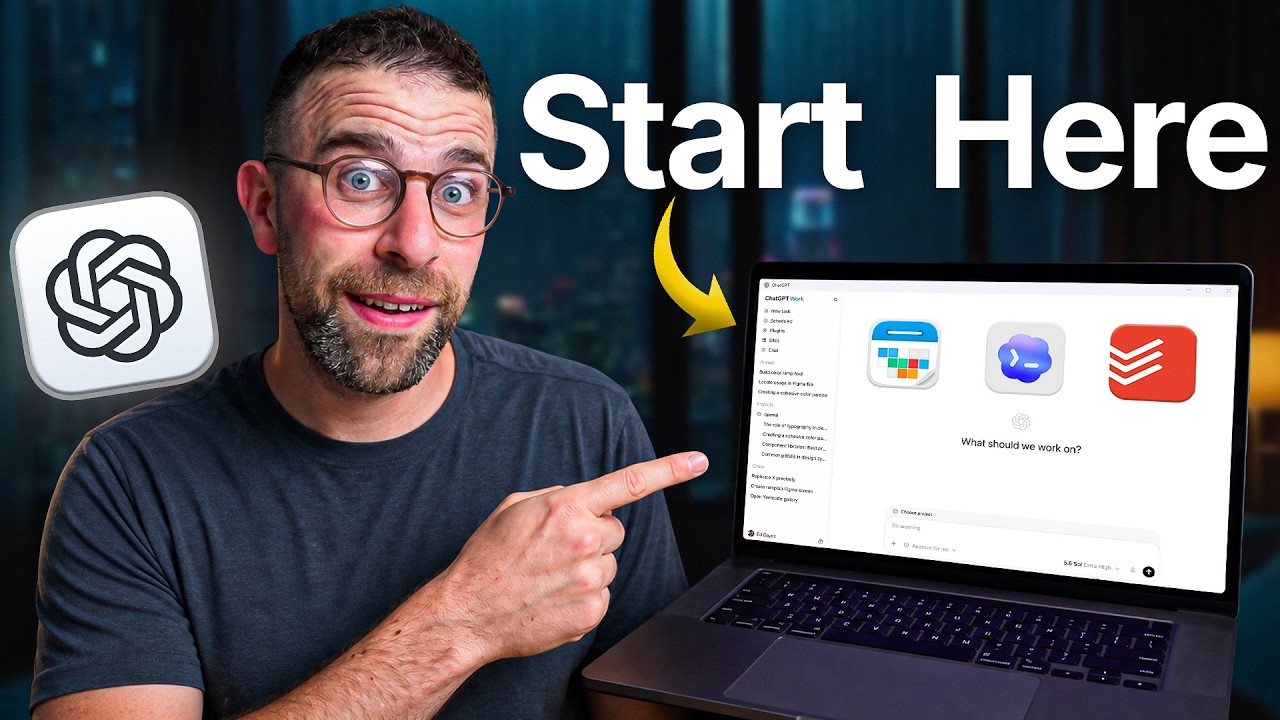
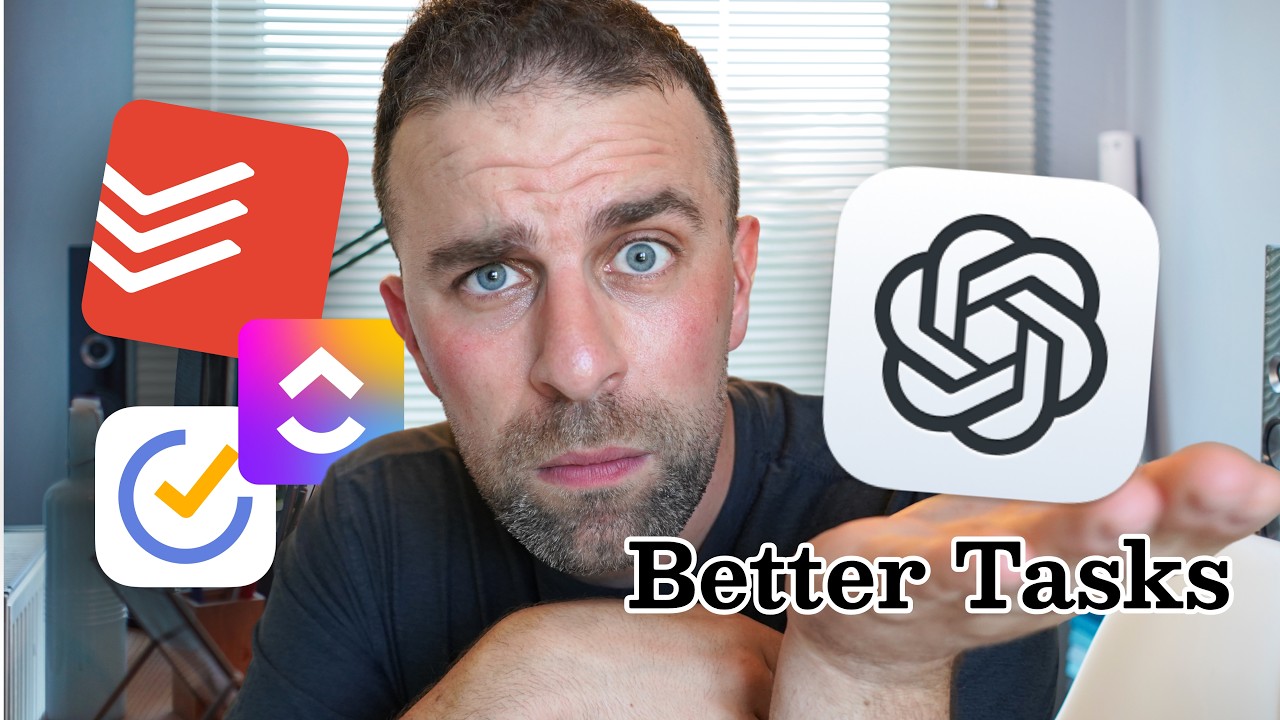
- Integrating ChatGPT with task management applications like Todoist can streamline task organization and improve productivity. 0s
- Users can utilize various applications that support ChatGPT connectors to manage their tasks more efficiently. 25s
- Todoist offers a free plan that allows for integration with ChatGPT, which can be activated by typing "@" followed by "todoist" within the ChatGPT interface. 1m25s
Voice Input and Task Organization
- Voice input can be used to interact with ChatGPT to manage and organize tasks, which is particularly useful for processing large numbers of items in an inbox. 1m45s
- Applications such as Willow or Typeless can facilitate voice-to-text input for managing task lists. 2m5s
- ChatGPT can process specific subsets of tasks, such as the first eight items in an inbox, and perform actions like rescheduling tasks, changing priority levels, or moving items to specific projects. 2m25s
- Users can configure ChatGPT memory to automatically route tasks into specific projects based on the content or context of the voice input. 3m5s
Advanced Planning and Goal Setting
- While Todoist features a "ramble" function for capturing and organizing tasks, ChatGPT provides additional adaptability by allowing for the integration of multiple connectors, such as Google Calendar. 3m25s
- Combining ChatGPT with multiple connectors enables the use of voice commands for more advanced day planning. 3m45s
- ChatGPT can be used to analyze task lists against Google Calendar entries to identify potential scheduling conflicts and assess whether a user is overloading their daily capacity 0s.
- By incorporating specific priorities or focus areas into ChatGPT’s memory, users can receive task management advice that aligns with broader objectives, such as driving business revenue or maintaining work-life balance 42s.
- ChatGPT can assist in breaking down large, overwhelming goals—such as creating 12 videos in a quarter or reaching a specific weight target—into manageable, actionable steps 1m15s.
- When breaking down goals, ChatGPT can integrate context from Google Calendar to ensure that proposed schedules account for existing commitments and potential disruptions 1m35s.
Digitizing Routines and Visual Data
- Recurring habits and routines, such as daily affirmations, can be developed through ChatGPT and then exported directly into Todoist as subtasks without requiring manual entry into the task manager 2m6s.
- ChatGPT can process images of documents, such as handwritten meal plans, to extract specific information based on user-defined criteria, such as identifying which days a user is responsible for cooking 2m35s.
- Integrating meal planning photos into both Google Calendar and Todoist allows for better preparation and organization, preventing the need to manage tasks reactively 0s.
- Visual information, such as meal plans posted on a fridge, can be digitized and converted into actionable tasks for those who prefer digital management 25s.
Automated Task Workflows
- ChatGPT offers a "scheduled runs" feature, which is recommended for users with Todoist Pro and ChatGPT advanced or pro plans due to task volume limitations and increased usage requirements 37s.
- Scheduled runs can be configured to automatically scan Gmail daily for specific keywords—such as tax information, discounts, or shopping reminders—and add relevant items with associated dates directly to the Todoist inbox 1m3s.
- Users must manage permissions carefully when setting up automated daily checks to avoid repeated prompts, and they should be aware that these automated tasks consume daily ChatGPT usage limits 1m45s.
Holistic Daily Planning
- ChatGPT can be used to perform a daily check-in by aggregating information from Google Calendar and Todoist, allowing users to plan their day through a single interface rather than interacting with multiple separate applications 2m6s.
- Interfacing with a chat window to manage tasks encourages a more holistic approach to productivity compared to managing a to-do list directly 2m45s.