Challenges for New Notion Users
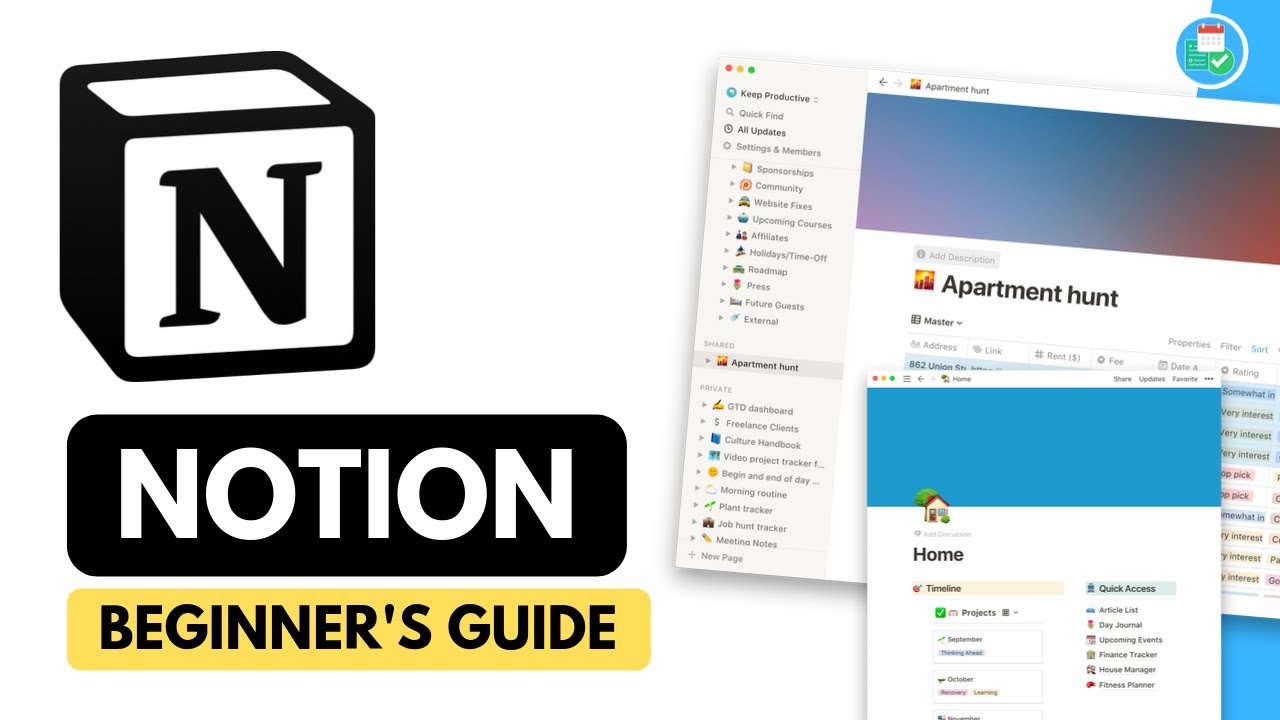
- Notion is currently a prominent application within the productivity software market due to its functionality and canvas-like interface that allows users to customize their productivity workflows 0s.
- Many new users experience difficulty when first opening Notion because the application is highly flexible, which can make it challenging to determine how to begin or what specific structure to implement 15s.
- Users may feel intimidated when transitioning to Notion from other platforms like Trello because they are uncertain about how to organize their workspace or migrate their existing data 30s.
- A common challenge for new users is the lack of intuitive navigation and uncertainty regarding collaboration features, such as identifying content created by co-editors 1m5s.
- The application is described as feeling like a "Wild West" for beginners, as the lack of a rigid structure requires users to define their own setup 1m5s.
- This overview is intended to assist new users in setting up a brand new Notion account and navigating the platform during their first day of use 1m25s.
Planning and Initial Workspace Setup
- A new Notion account provides a blank workspace that can be developed over time, with some users taking nearly a year to reach their desired setup. 0s
- The initial onboarding process in Notion typically includes recommendations to use the template function, which serves as a useful starting point alongside database, empty, and import page options. 42s
- Before building a workspace, it is recommended to spend approximately thirty minutes sketching out a desired dashboard design on a piece of paper. 1m5s
- The planning process involves identifying the most essential items to access, such as a weekly agenda, a three-month roadmap, or personal branding materials. 1m25s
- Once a design is sketched on paper, replicating that layout within the Notion interface typically takes about ten minutes. 1m55s
- Starting with a default page is a practical way to begin building a workspace, as it serves as the foundation for the dashboard. 2m25s
Customizing Workspace Layout and Design
- Notion workspaces can be personalized by adding a gallery cover image and a quirky emoji to the page title. 0s
- Creating a sub-header provides a brief description of the workspace's purpose, helping to make the environment feel personal. 25s
- Dividers are useful tools for separating different sections of a dashboard and organizing the layout. 45s
- Users can organize their workspace by creating distinct areas for long-term and short-term goals, using headers and dividers to structure these sections. 55s
- Columns can be adjusted using a slider to prioritize the space allocated to specific sections, such as short-term notes or agendas. 1m15s
Utilizing and Modifying Templates
- Templating is a core feature of Notion, though users may prefer creating their own pages rather than relying on default templates. 1m25s
- Notion has updated its template offerings to include various layouts, such as boards and tables, though these can sometimes be complex for new users. 1m40s
- If a pre-made template does not fit specific needs, users can clear the template content to build a custom structure, such as a roadmap, using basic elements like bullet points. 2m15s
- Notion allows users to move and reorganize elements, such as a three-month roadmap, by dragging them across the workspace 0s.
- Starting with pre-made templates is recommended, as they provide a foundation that can be modified by changing elements like covers and emojis 3s.
Managing Content and Organization
- Users can add new content, such as blog posts, directly into the workspace 15s.
- Maintaining clear naming conventions for pages is advised to keep the workspace organized 24s.
- A homepage can be created by linking to existing pages, which allows users to group related items like blog posts into specific sections 35s.
- Personal accounts can be customized by creating lists of current projects and utilizing the checklist function to manage tasks 55s.
- The inline calendar function allows users to create and embed calendars of varying sizes and widths within different sections of the workspace 1m8s.
Iterative Workspace Development
- Notion is designed as a flexible space where users can design their own layouts and modify features over time 1m25s.
- Beginners are advised to keep their initial setup simple by creating a "skeleton" account that focuses only on core areas, such as a three-month roadmap, weekly focus, and client overview 1m30s.
- Developing and improving a Notion workspace is described as a process that takes time and continual modification 1m40s.