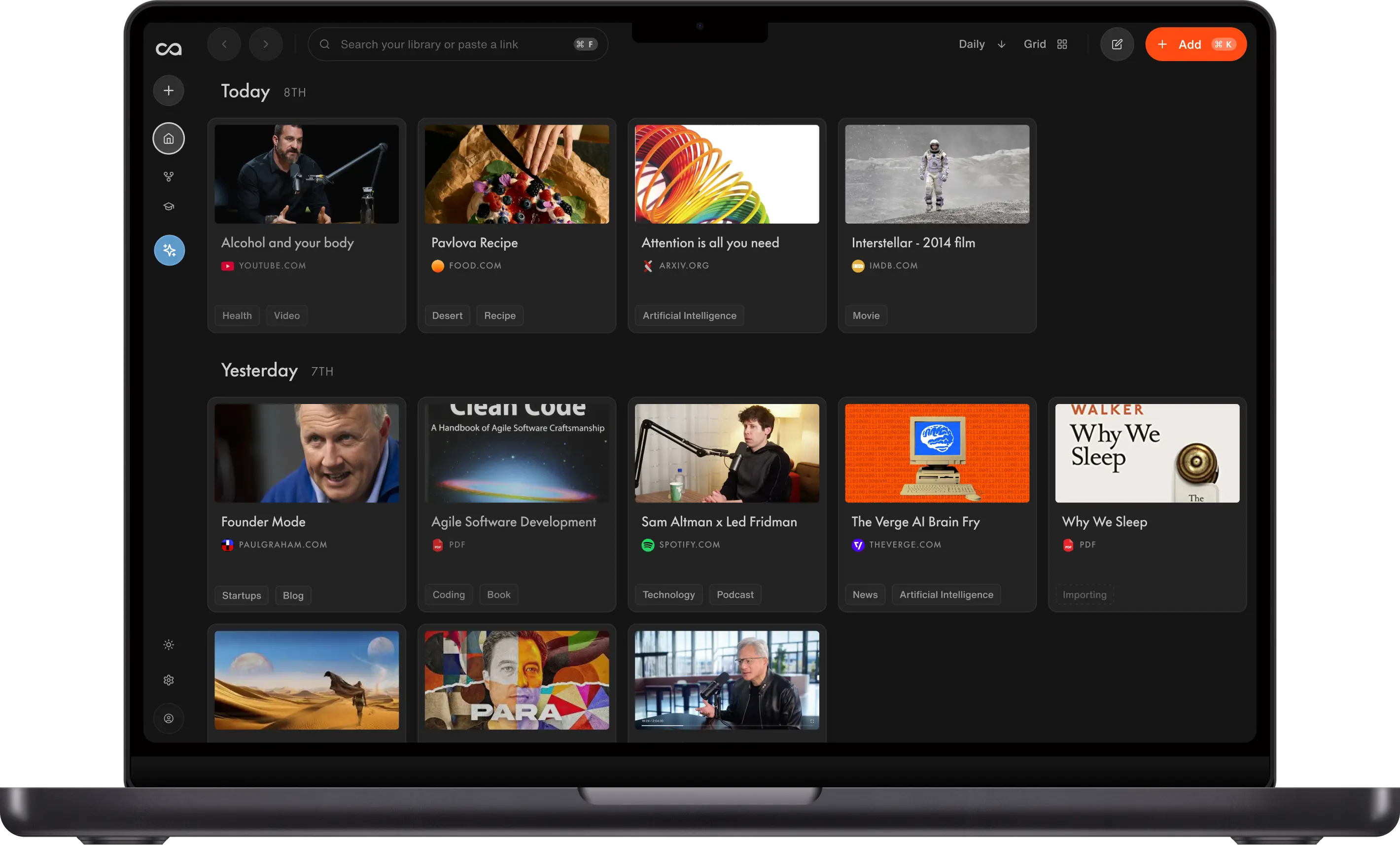
AI-POWERED KNOWLEDGE BASE
Personal Knowledge ManagementYour Ideas, Connected
Recall is personal knowledge management software that helps you capture articles, videos, and PDFs in one click, summarize them with AI, connect them automatically, and chat across your entire library so knowledge compounds over years.
Capture from anywhere in one click
AI summaries and smart tags
Knowledge graph connections
Private and fully exportable
No credit card · 30 Day Refund · 24 Hour Human Support
Personal knowledge management with AI
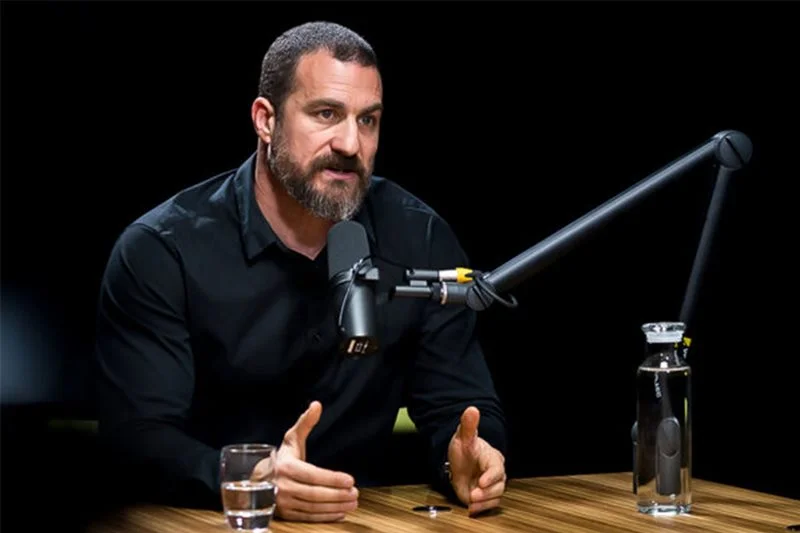
Alcohol and your sleep

The PARA Method

State of GPT · Andrej Karpathy

Interstellar (2014)
Founder Mode


Attention is all you need


Bryan Johnson's Blueprint protocol
Trusted by 700,000+ professionals







Why people make Recall part of their day
“Think of it as a library of everything you've read and watched, with an AI sitting on top that has read it too. Recall makes that easier than anything else we tried.”

“Recall works the way your brain works! Perfect for deep research or growing your knowledge on any topic.”

“I love [Recall’s] interface, its speed, and its overall user experience… it is scratching my web-hoarding itch unlike anything else has quite been able to do to date.”

“One of my favorite AI apps is Recall. I've used it constantly for almost a year to manage and transcribe all the videos we create and work with. It's the kind of AI app that's just become part of my daily workflow, the highest compliment you can pay a piece of software.”

“After just a few months, Recall has become one of my most-used apps on both desktop and mobile. Frankly, I'd rather give up Microsoft Word than Recall.”

“I've tried practically every AI tool out there, and Recall is among the very few that I've actually found myself using. It has completely changed the way I study.”

“I didn't expect much from Recall. But it completely blew me away. It does everything NotebookLM does and also fills in all its shortcomings.”

“I run two parallel careers, which means staying current across rapidly evolving topics. Recall is the front door to my entire knowledge workflow.”

Fernand
Head of Technology
“Recall has revolutionized how I manage information! As a power user, its AI-driven summarization and storage capabilities have boosted my productivity tenfold, allowing me to effortlessly access and recall key details whenever I need them.”

William Peltier
Senior Director at Moody's
“I use Recall on a daily basis to cultivate and build a hand-picked database of information. The end result is like having a personalized AI loaded with sources pre-screened for quality.”

Roses
Human Rights Worker
“I use Recall every day. It helps me quickly condense important information from thought leadership articles and educational YouTube videos. It's great to have a place where I can easily store this information knowing that I will come back to it again in the future. I've greatly developed as a founder and leader thanks to Recall.”

Jason Patel
Co-founder at Open Forge AI
“I've been building several second brains for years and whenever I see a new way to do it, I don't like changing because my other systems already work. But I'm always willing to try because you never know which one would be a drastic improvement on what you're already using. Recall is one of them.”

Dave Katague
AI Educator
“Recall has become an essential part of how I learn, think, and explore the world.”
Maire
Student, Data Analyst
WHY PKM MATTERS
Knowledge That Compounds
Personal knowledge management is about turning what you read, watch, and learn into a system you can search, connect, and reuse. Recall gives you capture, summaries, organization, and chat without building a wiki from scratch.
Frictionless Capture
Save articles, YouTube videos, podcasts, PDFs, and notes from the web or your phone in one click.
Summaries on Save
Every source gets an instant AI summary so your PKM system is useful from the first save.
Automatic Connections
Smart tags and a knowledge graph link related ideas without manual backlinks or folder trees.
Knowledge Chat
Ask questions across your full library and get answers grounded in what you saved.
Remember What You Save
Turn any saved source into quizzes and spaced repetition so the knowledge you collect actually sticks.
Library Stays Yours
Recall never trains on your content, and you can export everything anytime.
PKM FOR
Research, Writing, and Lifelong Learning
Personal knowledge management works best when capture, organization, and retrieval happen in one connected system.
Research
- Save sources the moment you find them
- Chat across your whole library at once
- Every answer cites the sources it used
Writing
- Collect articles, PDFs, and notes in one place
- Outline with library-wide chat
- Reconnect old ideas through the knowledge graph
Lifelong Learning
- Save podcasts, courses, and articles you care about
- Generate quizzes from saved content
- Review with spaced repetition
HOW IT WORKS
Save, Organize, Chat, Remember
Four simple steps to build a personal knowledge management system that compounds over time.




01
Save
Save articles, YouTube videos, podcasts, PDFs, and notes in one click, with an instant AI summary.
Business
Design
Technology
Education
Culture
02
Organize
Everything in your personal knowledge management system is auto-tagged and connected, with no manual filing.
03
Chat
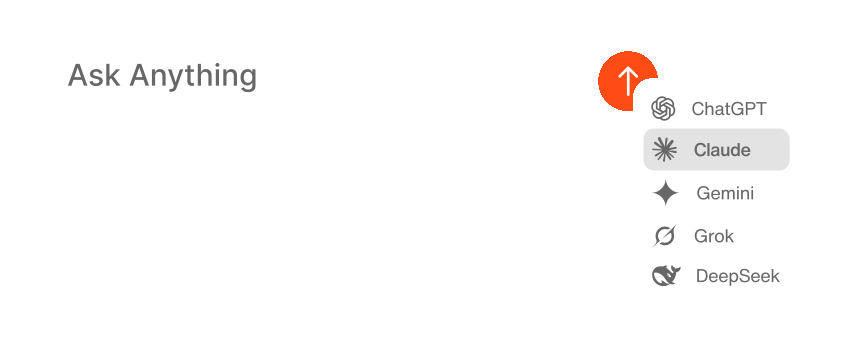
Chat across your whole PKM library, a single source, or the web, with your choice of AI model.
MULTIPLE CHOICE
How does REM sleep affect your body?
04
Remember
Quizzes and spaced repetition help you retain what matters from everything you save.
PKM APPROACHES COMPARED
Recall vs. Manual PKM Setup
How Recall compares with building personal knowledge management with folders, wikis, and disconnected tools.
| Feature | Recall | Manual PKM systems |
|---|---|---|
| Use case | ||
Best for | Personal AI knowledge base with automatic organization | Manual folders, wikis, and note apps |
| Setup | ||
Time to useful | Useful immediately after your first save | Often weeks of folder structure and templates |
| Capture | ||
Save from the web | One-click save and summarize with the web clipper | Copy-paste, clippers, or manual entry |
| Organization | ||
How saves get organized | Automatic tags and a knowledge graph that connect related saves as you add them | Manual tags, backlinks, and folder trees you maintain yourself |
| AI | ||
AI summaries on save | Instant summary on every article, video, podcast, and PDF you save | Separate AI tools that never see your PKM library |
What you can chat with | Your whole library, selected saves, the open web, or both — with citations back to the source | A chatbot in another tab, without your notes or saves |
AI model choice | Yes on Max — OpenAI, Anthropic, Google, and open-source. Plus picks the best model for the task. | Whatever you paste into ChatGPT or a plugin |
| Retention | ||
Quizzes and spaced repetition | Turn any save into quizzes and spaced repetition so useful ideas stick | External flashcard apps or none |
| Scope | ||
Personal vs enterprise | Built for individual PKM workflows | Team wikis require different tooling |
| Pricing | ||
Free tier | Unlimited saves, limited AI summaries and chat | Varies across multiple tools |
Scroll horizontally to compare all columns.
Quick comparison: choose manual PKM with folders and wikis when you enjoy building systems from scratch. Choose Recall for personal knowledge management when you want automatic capture, AI summaries, organization, and chat out of the box.
Start Personal Knowledge Management Free
Join 700,000+ people using Recall as their personal knowledge management system.
GET STARTED FOR FREE TODAYNo credit card required · 30 Day Refund on Premium · 24 Hour Support
SECURITY POLICY
You're safewith us
We do not use your data for any other purpose than providing a service to you.

Data ownership
Your data is yours and you have full control over it. We do not use your data for any other purpose than providing a service to you.

Data portability
You can export all your data anytime in Markdown format, putting the power of portability and accessibility directly in your hands.

Privacy focused
Augmented browsing is local first, your knowledge base is stored safely in the cloud.


Frequently Asked Questions About Personal Knowledge Management
Looking for more? Visit our full FAQ for more detail.
Ready to Upgrade Your PKM Workflow?
Save, summarize and chat with your content.
No credit card required · 30 Day Refund on Premium · 24 Hour Support