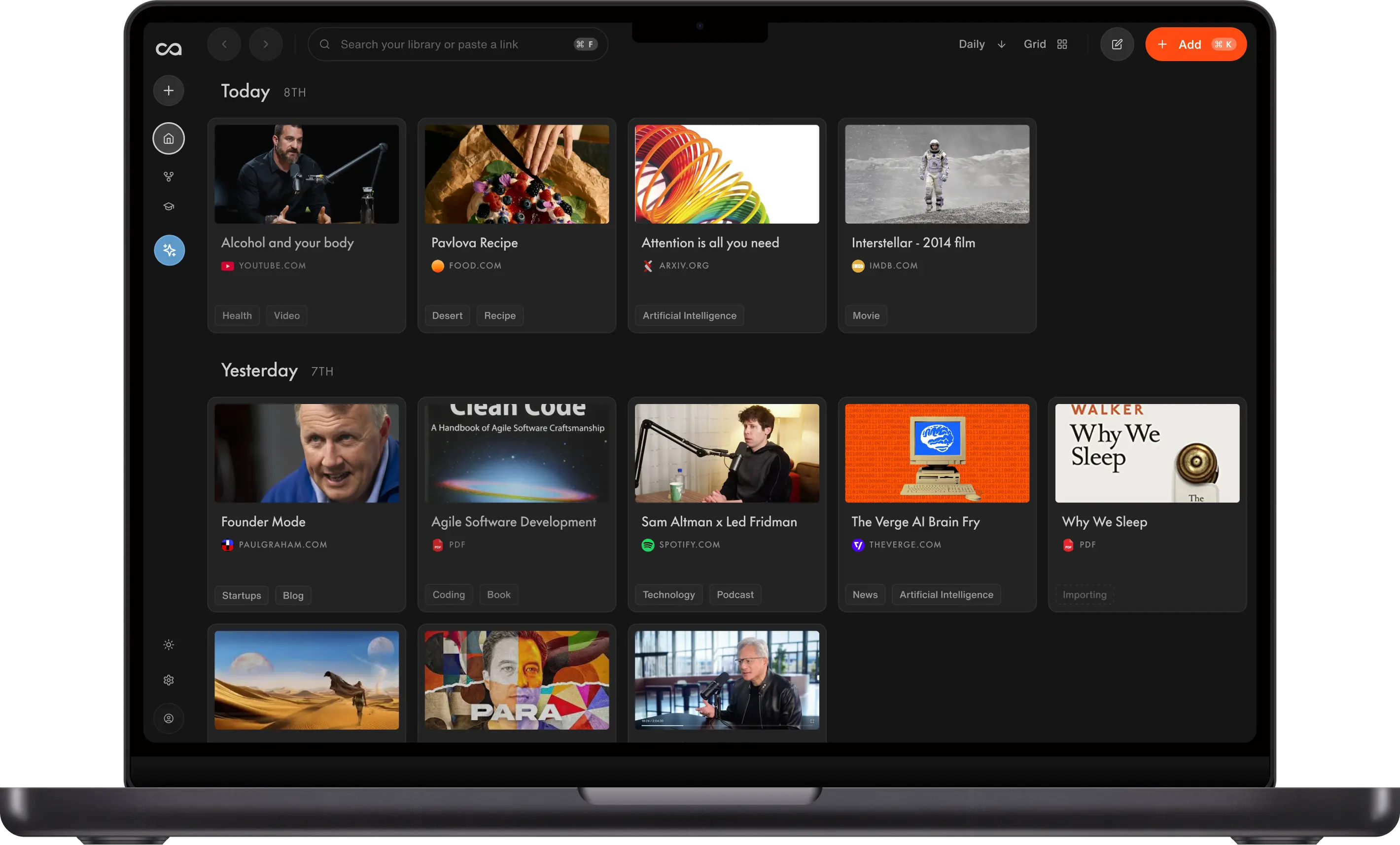
To manage information overload with ADHD, start with an AI second brain that saves, organizes, summarizes, and lets you chat with all your content. This guide walks through that workflow in Recall for articles, YouTube videos, podcasts, and PDFs.
To manage information overload with ADHD, keep what you save in one place, review a short summary before you commit to the full source, and ask one specific question at a time. Nicole uses Recall for this. It is a productivity approach, not a treatment.
What is information overload?
Information overload happens when more information comes in than you can comfortably process or keep track of. It often looks like open tabs, bookmarks, and saved files. With ADHD, that can mean losing track of the useful parts of what you read or watch.
An AI second brain keeps what you read, watch, and listen to outside your head. It saves each source, summarizes it, and organizes it, then lets you chat with all of it when you need something back. You can see the point before you give the source more time, and you can close the tab without losing it.
Nicole was diagnosed with ADHD at 17. Losing track of what she reads and watches is one of her biggest struggles. She walks through the four steps below, starting with the browser extension, plus a bonus quiz.
What this guide covers
Most ADHD apps help you manage your time. This guide is about the information you consume. For help planning the day, starting a task, or staying off your phone, you may need a different tool. Those jobs are on the 7 best ADHD apps list.
Recall is a productivity tool. It is not a diagnosis, a treatment, or a substitute for clinical care.
A simple workflow
When you come across long-form content, or content that feels overwhelming, these simple steps can help you stay focused and get peace of mind.
- Summarize it so you can skim it. On a page you already have open, the browser extension saves it and summarizes it in one click. Nicole starts with the morning news this way, then skims the point before she gives it more time. For a long video or a podcast, paste the link into the YouTube video summarizer or the podcast summarizer. Video summaries include timestamps, so you can jump to the moment that matters. The podcast summary is enough to decide whether the episode is worth a full listen.
- If it is very dense, ask a question so you get the answer. A long PDF, a two-hour video, or a Reddit thread does not need a full read. Nicole chats with a long PDF and asks for the section she opened it for. On Reddit, she saves the thread with the comments, then asks the question she came in with. She uses an ADHD persona so the answer stays short. She tells Recall to keep answers concise, get straight to the point, and stay on one clear thread. She sets those instructions once. The setup is in chat personas.
- Save it so you do not have to keep every detail in your head. You get peace of mind. The tab can close. Nicole does not have to keep the article, the video timestamp, or the thread open so she will not lose them. Automatic tags group related cards, so she is not filing each one by hand.
- Review it again in chat. It stays accessible there. You ask for it instead of scrolling through everything you saved. Chat with your knowledge base answers from the articles, videos, podcasts, and PDFs you saved. On her phone, Listen Mode reads a saved summary aloud.
- Bonus: run a quiz. Recall's quiz asks you questions from what you saved and brings them back later, so you can tell whether you understood it. That is active recall and spaced repetition.
How to deal with different content types
The steps stay the same. Here is how they look for the kinds of content Nicole saves.
Summarize the morning news before you read it
Catching up can feel like too much before the day has started. Open the article and use the browser extension. Recall summarizes it in one click. You see the point, then decide whether the piece deserves more of your attention. If it does, it is already saved. If it does not, you have not spent the morning inside it.
Ask a long PDF instead of reading all of it
A long PDF is the same problem in a different shape. Save it, then chat with that one source. Ask for the section you opened it for. Reading the whole summary can still feel like a lot. The question keeps you on the thread you came in with.
Save a Reddit thread with the comments
The useful part of a thread is often in the comments rather than the original post. Save the thread with the comments attached, then ask the question you opened it for. You keep the discussion without leaving twelve tabs open to hold your place.
Summarize a long YouTube video
A two-hour video is a hard thing to finish when you need the answer now. Paste the link into the YouTube video summarizer. Recall turns it into a summary with timestamps, so you can jump to the part that matters and save the video for later. The source stays attached. You can come back without trying to remember which minute it was.
Use an ADHD persona
Nicole uses an ADHD persona in chat. She tells Recall to keep answers concise, get straight to the point, and stay on one clear thread. A long answer is easy to abandon. A short one is easier to finish. You set those instructions once, and Recall keeps that style the next time you ask. The setup is in chat personas.
You do not have to hold every detail yourself. The source is saved. The answer is the part you asked for.
Summarize a podcast, then listen later
Paste the episode link into the podcast summarizer, the same way you would a video. Save it, get the points, and decide what is worth a full listen. On your phone, Listen Mode reads a saved summary aloud, so you can hear it while you are already moving. Listen Mode is part of Plus.
Let automatic tags do the filing
Automatic tags group related cards for you. Articles, videos, podcasts, and PDFs land in one library, and you are not filing each one by hand. The organization is there when you return. You do not have to build it before you are allowed to save something.
Ask across everything you saved
Scrolling the library can feel useful, and it can also feel like too much. Chat with your knowledge base and ask across what you saved. The answer comes from your articles, videos, podcasts, and PDFs, so you can skip searching for the same thing again next week.
Before and after Recall
| What you saved | Before Recall | With Recall |
|---|---|---|
| Morning article | Open the tab and read it all | A one-click summary, then you decide if it deserves more time |
| Long PDF | Start at the first page | Ask for the section you opened it for |
| Reddit thread | Keep tabs open for the comments | Save the thread and the comments, then ask |
| Long YouTube video | Watch the whole thing for one answer | A summary with timestamps, then jump to the part that matters |
| The answer itself | A long reply | An ADHD persona that keeps answers short and focused |
| Podcast | Sit through the episode | A summary first. Listen Mode on Plus reads it aloud |
| The library | File each save by hand, then search again later | Automatic tags, then ask across everything you saved |
Recall is free to start, with unlimited saves and notes and 10 AI summaries a month. Plus is $10 a month billed yearly, or $12 a month billed monthly, and adds unlimited summaries, chat, automatic organization, Listen Mode, and the quiz. See Recall pricing.
Try the workflow with one source
Open one article in the browser extension. Save it and skim the summary. If it is dense, ask one question. Close the tab. When you need it again, ask in chat. If you want to know whether it stuck, run a quiz on that source. Nicole does this in Recall.
Get started with Recall for free
Save the video, article, or PDF before you commit your attention, then find it again without rebuilding the context.
FAQs
Information overload and ADHD
Ready to get started?
Save, summarize and chat with your content.
No credit card required · 30 Day Refund on Premium · 24 Hour Support