Notion Workspace Fundamentals
- Notion is an all-in-one workspace that functions as a flexible tool for note-taking, document linking, and creating databases, checklists, habit trackers, and calendars 0s.
- The application utilizes a hybrid markdown system and allows for the creation of complex, interconnected systems within a single platform 0s.
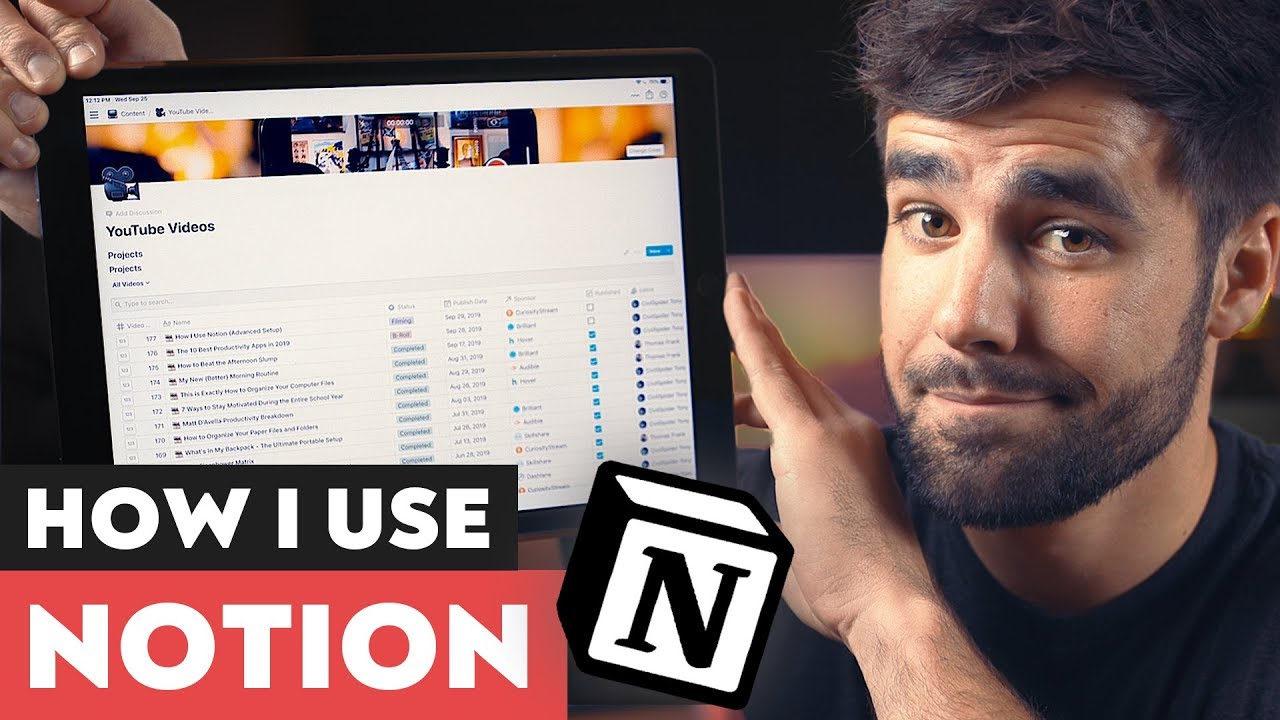
- A YouTube video project tracker serves as a primary example of how Notion can consolidate production processes that previously required multiple, inefficient applications 42s.
Database Structure and Features
- Notion databases are distinct from traditional spreadsheets because every row in a database functions as its own individual page, which can contain further content or additional databases 1m15s.
- Databases in Notion offer multiple viewing options, including standard spreadsheet layouts, Kanban boards, and calendar views 1m15s.
- The templating feature allows users to pre-configure the structure and content of new database entries, ensuring that every new project page automatically includes necessary information and formatting 1m15s.
- Advanced features within Notion include relations and roll-ups, which enable different databases to be connected and share information with one another 1m15s.
- By combining database functionality with templates, users can create automated workflows that populate new project pages with specific, pre-defined content 2m6s.
Database Entry Management
- Templates can be configured to automatically assign a specific video number, such as 999, which ensures new entries appear at the top of a database sorted by descending video number 0s.
- Users can manually update metadata fields for database entries, such as changing a placeholder video number to a specific value like 177 25s.
Database Views and Filtering
- Notion databases support multiple view types, including a spreadsheet-style view, a Kanban board for tracking project stages, and a calendar view for scheduling 48s.
- Each database view operates independently, allowing for unique configurations regarding visible properties, filters, and sorting rules 1m15s.
- Filters can be applied to hide specific statuses, such as excluding items that have not been started, while sorting can be customized per view 1m25s.
- Properties can be toggled on or off for individual views; for example, a sponsor field can be displayed in one view but hidden in a status-focused view where it is considered irrelevant 1m42s.
Advanced Database Capabilities
- Users can define custom fields, including text, numbers, select menus, multi-select menus, person assignments, file attachments, and checkboxes 2m25s.
- Advanced database features include relations and roll-ups, which allow for more complex data management 2m42s.
- Databases allow for the tracking of project milestones, such as checking boxes for publication status, monetization, and URL links 2m50s.
- Filters and sorts can be created on-the-fly to isolate specific data, such as filtering by a particular sponsor, publication year, project status, or assigned editor 3m5s.
Project Page Organization
- Video projects are organized by a numbering system, such as "164-3" for the "Bad Productivity Tips" video, which allows for easy retrieval of specific computer folders and assets 0s.
- Notion pages can be opened as full pages rather than just modals, and active projects can be added to a Favorites bar for quick access 35s.
- Each project page within the database displays all associated properties, and the body of the page is customizable based on a template refined over the course of a year 53s.
- A toggle switch feature is used to store and organize information such as title ideas, keywords, and sponsor details 1m15s.
Video Production Workflow
- Automated templates generate checklists for every new video project to ensure that tasks related to uploading and publishing—such as adding resource links, setting recording dates, and managing post-publishing social media—are not forgotten 1m28s.
- A dedicated content area exists for research and notes, though Notion is not the primary tool for writing scripts; Evernote is used for personal writing, and Google Drive is used for scripts written by Martin 1m55s.
- Scripts are pasted into the Notion project page to serve as a centralized resource for editors, writers, and other collaborators 2m15s.
- During filming, the script is accessed via an iPad placed on a music stand, allowing for the memorization and delivery of lines without the use of a teleprompter 2m33s.
- The template includes links to external resources, specifically the CoSchedule Headline Analyzer for brainstorming titles and Thumbs Up for evaluating thumbnail quality 2m53s.
B-roll Tracking and Management
- The project tracker includes a B-roll list, which functions as a database within a database and can be opened as a page 0s.
- The video production process begins by filming the A-roll, which consists of the talking head portion of the video 25s.
- After filming, the editor creates a draft A-roll cut that approximates the final length and content of the video 42s.
- This draft is uploaded to Frame.io, a tool that allows for time-stamped comments on specific parts of the video 55s.
- Instead of using Frame.io solely for feedback, it is used to generate a list of B-roll ideas by watching the draft and noting specific visual requirements at designated timestamps 1m12s.
- Frame.io allows users to export these time-stamped comments as a comma-separated values (CSV) file 1m35s.
Importing and Categorizing B-roll Data
- The CSV file is initially imported into Google Sheets to remove unnecessary columns, leaving only the B-roll description and the timestamp 1m55s.
- This cleaned data is then merged into a Notion database, which contains additional columns for tags, templates, and gathers 2m10s.
- Categorizing B-roll into types—such as filmed footage, screen recordings, or stock footage—is essential for production efficiency 2m35s.
- Importing the CSV file in chronological order is inefficient because it requires switching between different filming methods repeatedly 3m0s.
- By organizing the imported data, tasks can be grouped by type, allowing for all filmed shots to be completed at once, followed by all screen recordings and stock footage acquisitions 3m15s.
- Notion allows for the merging of an existing database with a CSV file, which populates the B-roll list with the imported ideas 3m45s.
Database Import Best Practices
- Database views can be configured with pre-populated sort criteria, such as a timestamp column, to ensure items appear in a specific order rather than randomly 0s.
- When merging a CSV file into a Notion database, it is necessary to retain at least one pre-existing row to prevent the import from deleting existing columns that are not present in the CSV file 10s.
- Once the CSV merge is complete and the database structure is preserved, the initial example row can be safely deleted 35s.
Optimizing B-roll Workflows
- B-roll items are categorized by type, such as "film" or "stock footage," and specific filming locations—including upstairs, office, kitchen, outside, and downstairs—are added as properties to facilitate efficient batching 42s.
- A "gatherer" property is used to assign tasks to specific individuals, such as the editor Tony, to clarify responsibilities for collecting B-roll 1m25s.
- Checkboxes are utilized to track the status of B-roll, allowing the editor to mark items as gathered as they are completed 1m40s.
- A "Premiere" checkbox is used to distinguish between tasks that require Adobe Premiere Pro and those that require Adobe After Effects, allowing for batch processing within each specific software 1m55s.
- Multiple database views can be created to organize information differently, such as a chronological view for general tracking and a "Gather View" that groups items by tags to streamline the filming process 2m25s.
- A "fixes" view is created by filtering for a "#fix" hashtag in the B-roll description, which allows the editor to identify and address specific issues noted during the review of a Frame.io cut 2m45s.
- The workflow utilizes filtered views to isolate tasks by software requirement, enabling the editor to complete all Premiere Pro tasks in one session before moving on to After Effects tasks 3m10s.
Template Customization and Maintenance
- Notion templates can be created and customized to suit different types of projects, allowing users to maintain multiple templates for varying levels of complexity 0s.
- Templates can be updated by selecting the edit function, which opens the template as a page to allow for modifications that apply to future uses of that template 4m25s.
Relational Databases and Data Integration
- Relations allow users to link two separate databases, enabling the integration of data between them 1m5s.
- A sponsor list database can be created to store specific details such as URLs, talking points, and YouTube description copy, which eliminates the need to refer to external systems 45s.
- By using a relation, a sponsor database can be linked to a video project tracker, allowing users to associate specific sponsors with individual video projects 1m25s.
- To create a relation, a new column is added with the type set to "advanced" and "relation," after which the user selects the target database to link 1m45s.
- Properties within a database view can be customized or hidden to ensure that only relevant information is displayed 2m35s.
- Roll-ups utilize existing relations to perform calculations, such as counting the number of times a sponsor is mentioned across different databases like video or podcast tables 2m55s.
- Formulas can be used to aggregate data from multiple columns, such as summing the total number of spots completed for a specific sponsor across different media formats 3m25s.
Workflow Refinement and Philosophy
- Notion templates can be customized by removing outdated tasks, such as Asana integration, to streamline project management workflows 0s.
- New steps can be added to existing templates to ensure all necessary project requirements are included in the workflow 15s.
- A transition from using Google Docs and Todoist to Notion resulted in a more effective system for managing video production 24s.
- A core philosophy regarding tools and learning involves continuously seeking improvements to existing processes to uncover unforeseen benefits 38s.
- Reading widely and exposing oneself to new ideas daily facilitates the combination of concepts to discover unique solutions 53s.
CuriosityStream and Nebula Services
- CuriosityStream provides access to thousands of educational documentaries across various devices for an annual fee of 20 dollars 1m3s.
- A yearly subscription to CuriosityStream includes free access to Nebula, a streaming platform featuring content from various creators, including Wendover Productions, Real Engineering, PolyMatter, CGP Grey, Lindsay Ellis, and LegalEagle 1m25s.
- Nebula offers content without pre-roll advertisements and serves as a platform for educational creators to produce exclusive series that may not align with YouTube's algorithm 1m45s.
Channel Engagement and Conclusion
- Future content regarding Notion depends on audience interest and specific questions provided in the comments section 2m15s.
- Additional videos are available on the channel for viewers to watch 0s.
- Viewers are encouraged to click on the provided links to access further content 0s.
- Physical interaction with a phone screen, such as using one's nose, is suggested as an alternative method for navigating to additional videos 7s.
- The conclusion of the current content is marked by a sign-off indicating that future videos will follow 13s.