6 Best Chrome Extensions for Students in 2026
Most student extensions get you through tonight's assignment but leave nothing to revise from at exam time. We ranked 6 by the study job each actually does in Chrome: Recall for saving lectures and readings, then using quizzes and spaced repetition to offset the forgetting curve, Grammarly for papers, Zotero Connector for citations, and Speechify for listening.
Last updated: August 2026
What are the best Chrome extensions for students?
The best Chrome extensions for students in 2026 are Recall for saving lectures and readings, then using quizzes and spaced repetition so they stick at exam time, Grammarly for grammar and tone in the paper, Zotero Connector for citations, Speechify for listening to readings, Google Scholar Button for finding papers, and LanguageTool for a lighter writing checker.
Campus work already happens in Chrome. LMS tabs, PDFs, YouTube lectures, journal pages, and the draft of the paper. An extension is only worth pinning if it finishes one of those jobs without creating another pile you will ignore.
The jobs are different, and mixing them up is why student toolbars get noisy:
- You found the paper, but finding it is not studying it.
- You finished the reading by listening, but you will not remember it in week twelve.
- You wrote a cleaner paragraph, but the sources behind it are gone.
- You cited it correctly, but you cannot explain the argument in the exam.
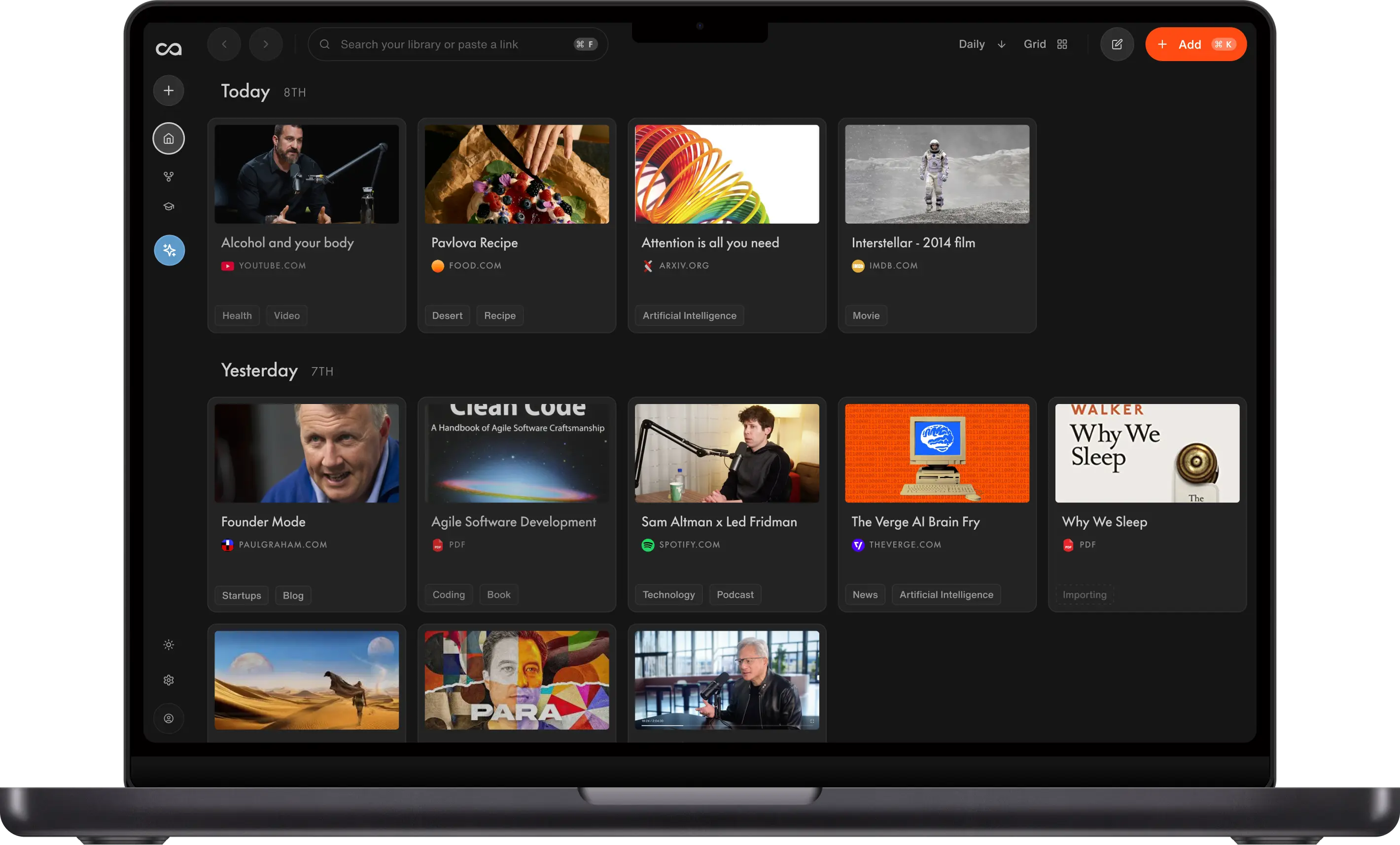
The gap most student lists skip is memory. You forget most of what you read unless you retrieve it again, on a schedule. That drop is the forgetting curve. Recall is a personal AI knowledge base built for that gap. Save the lecture, article, PDF, or social post in one click, get a summary, then turn it into quizzes that come back at increasing intervals. Chat with this source or the rest of the semester. That is studying, not another unread folder. See AI tools for students.
The other five win a real, narrower job. Grammarly and LanguageTool fix the sentence. Zotero builds the bibliography. Speechify reads the assignment aloud. Google Scholar Button finds the PDF. None of them will remember the lecture for you.
What to use when
- Recall if the job is remembering. Save lectures and readings, then use quizzes and spaced repetition so week three still exists in week twelve.
- Grammarly if the job is the paper you are already typing in Docs, Gmail, or the LMS.
- Zotero Connector if the job is citations and a bibliography, including APA, MLA, and Chicago.
- Speechify if the job is getting through the reading by ear.
- Google Scholar Button if the job is finding the paper from a title, DOI, or selected citation.
- LanguageTool if you want a lighter, cheaper, often multilingual checker than Grammarly.
Get started with Recall for free
See why Recall is the best Chrome extension for saving, summarizing, and chatting with any page. One-click save, an AI summary, and a knowledge base you can still chat with next week.
Best Chrome extensions for students compared (2026): ranked by the study job, what you keep, whether it helps you remember, and the main tradeoff.
| Extension | Best for | What you keep | Helps you remember? | Main tradeoff |
|---|---|---|---|---|
| Recall | Studying that still works at exam time | Lectures, articles, PDFs, social posts, and more | Yes. Quizzes and spaced repetition offset the forgetting curve, plus chat across the semester | Not a citation manager; AI features on the free plan are limited |
| Grammarly | Grammar and tone in the paper | Nothing from the reading | No. Cleaner drafts as you type | Fixes this sentence; it never stores the research |
| Zotero | Citations and bibliographies | References and PDFs | No. You can insert the cite, not retrieve the argument | The standard for bibliographies, not a study layer |
| Speechify | Listening to assigned reading | The open page as audio | No. You finish more reading | Nothing to revise from later |
| Google Scholar Button | Finding the paper | Nothing stored | No | Discovery, not studying |
| LanguageTool | Lighter grammar checks | Nothing from the reading | No. Cleaner drafts | Fewer rewrites than Grammarly |
Scroll horizontally on small screens to see every column.
Related: AI tools for students · active recall and spaced repetition · best Chrome extensions for reading · best note-taking Chrome extensions
What is a Chrome extension for students?
A Chrome extension for students sits on the tab where classwork already happens and finishes one job. Finding a paper, citing it, writing the paragraph, listening to the reading, or actually remembering it.
They are not interchangeable:
- Find. Google Scholar Button jumps from a citation on the page into Scholar.
- Cite. Zotero Connector grabs metadata and the PDF for the bibliography.
- Write. Grammarly and LanguageTool check the field you are already in.
- Listen. Speechify reads the assignment aloud.
- Remember. Recall saves the source, quizzes you on it, and brings it back before you forget it.
A homework overlay that answers tonight's question is a weak semester system. If the extension cannot put the lecture in front of you again in finals week, it will not help you pass.
How to choose Chrome extensions for studying
Match the extension to the bottleneck, not to a generic "student" list.
- Exam test. Will this still work in week twelve, or only tonight?
- Memory vs storage. A saved PDF you never retrieve is not studying. Spaced repetition is.
- Source types. Articles only, or also YouTube lectures, PDFs, and social posts?
- Citations. Zotero is the standard. A notes app is not a bibliography tool.
- Writing vs research. Grammarly will not remember the lecture. A knowledge base will not catch "their" vs "there" in a Google Doc.
- Price. Prefer a free tier you can live on. Students do not need five paid writing tools.
A tight student stack is Recall + Zotero Connector + Grammarly or LanguageTool. Add Speechify if you commute through readings, and Google Scholar Button if finding the PDF is still slow.
Best Chrome extensions for students in detail
1. Recall
Recall is best for: students who need lectures and readings to still be in memory at exam time, not only saved somewhere. Recall is a personal AI knowledge base. You save the source in one click, then use quizzes and spaced repetition to offset the forgetting curve, and chat with this source or the rest of the semester.
Recall features:
- One-click save: YouTube lectures, articles, PDFs, podcasts, social posts, and notes
- AI summaries on save: Get the gist before a full reread, and keep the source
- Quizzes from what you saved: Active recall, testing yourself on the lecture or paper instead of rereading it
- Spaced repetition: Reviews come back at increasing intervals, so you restudy right as you would otherwise forget. See active recall and spaced repetition
- Chat with the source or the semester: Ask this tab, or pull in everything you have already saved
- Your own notes: Meeting recaps, reading notes, and block-style pages live in the same library as the clips
Recall pricing: free tier with unlimited saves; Plus from about $10/mo. Student discount is available via support.
Where Recall fits: Most Chrome extensions for students help one assignment. Recall helps the course. Save in week three, get quizzed as the forgetting curve drops, chat the night before the exam. It will not insert APA citations or fix grammar in Google Docs. That is Zotero and Grammarly. See AI tools for students.
2. Grammarly
Grammarly is best for: grammar, tone, and rewrites in the field you are already typing. Docs, Gmail, LMS text boxes, discussion posts. The value is inline help on the paper, not a study library.
Grammarly features:
- Inline fixes: Catch errors where you write, so the habit sticks
- Tone: Formalize a draft before you submit
- Rewrites: Shorten or restyle a paragraph without pasting into another tab
- Plagiarism checks: On paid plans, as a last pass
- Campus licenses: Many schools already pay for Pro
Grammarly pricing: free checks; Pro typically from about $12/mo. Verify on grammarly.com.
What the extension actually does: It watches the text field. It does not save the article you cited, quiz you on it, or remember week three. That is the point. It is a writing tool.
Grammarly vs Recall: Grammarly is the right pick while you write the paper. Recall is the right pick while you gather and remember the sources. Most students should keep both. Recall will not catch "their" vs "there" in a Google Doc.
3. Zotero
Zotero Connector is best for: capturing a paper's citation from Chrome and inserting APA, MLA, or Chicago later. The value is the bibliography, not a second place to store PDFs you will not study.
Zotero Connector features:
- One-click cite: Grab metadata from a journal page, Scholar, or a PDF
- Library plus PDFs: Keep the file with the reference
- Word and Docs plugins: Insert citations in the paper without retyping
- Styles: APA, MLA, Chicago, and the rest, which Recall does not do
Zotero pricing: the app and Zotero Chrome extension are free. Extra file storage is paid. Verify on zotero.org.
What the extension actually does: It is the standard student citation tool, and it should stay that. It will not summarize the paper, quiz you, or chat with last month's readings.
Zotero vs Recall: For citations, Zotero wins and Recall is not trying to replace it. Save a paper in Zotero when it belongs in the reference list. Save it in Recall as well when you have to learn it, summarize it, or retrieve it before the exam.
4. Speechify
Speechify is best for: finishing assigned articles, PDFs, and docs by ear when you cannot sit and read. The value is getting through the volume, not keeping it.
Speechify features:
- Text-to-speech in Chrome: Listen to the current page
- Natural voices: Easier to follow than a basic system voice
- Speed controls: Skim or slow down
- PDFs and docs: Beyond blog posts, which matters for syllabi
Speechify pricing: free tier; Premium commonly around $10 to $12/mo. Verify on speechify.com.
What the extension actually does: It is the best listen button on this list. Listening is not retrieval practice. When the audio stops, there is nothing to revise from unless you also saved the source.
Speechify vs Recall: If the bottleneck is time in front of a screen, Speechify is the better tool and Recall does not replace it. They fit together. Listen with Speechify, save the reading in Recall if you will need quizzes and spaced repetition later.
5. Google Scholar Button
Google Scholar Button is best for: jumping from a title, DOI, or selected citation into Google Scholar. The value is discovery from the current page, in one click.
Google Scholar Button features:
- Highlight-to-search: Select a citation and open Scholar
- PDF hints: See versions Scholar already knows
- Lightweight: One job, small toolbar footprint
- Free: Official Google extension
Google Scholar Button pricing: free.
What the extension actually does: It finds the paper. It stores nothing. That is correct for a discovery tool, and it is why it cannot be your study system.
Scholar Button vs Recall: These sit at different stages and do not compete. Use the button to find the paper. Save the ones you will actually learn in Recall, and cite them in Zotero.
6. LanguageTool
LanguageTool is best for: multilingual grammar checks when Grammarly's price or overlay is more than you need. The value is a smaller writing suite, not a weaker Recall.
LanguageTool features:
- Grammar and spelling: Many languages, which matters if you write in more than English
- Lighter overlay: Less of a sidebar product
- Privacy-minded plans: For people who want a smaller writing vendor
- Student-friendly price: Free tier plus Premium commonly around $5 to $6/mo
LanguageTool pricing: free tier; Premium commonly around $5 to $6/mo. Verify on languagetool.org.
What the extension actually does: It is a grammar checker. Pick it instead of Grammarly when you want cheaper or multilingual checks. It will not save lectures or quiz you.
LanguageTool vs Grammarly: Choose LanguageTool for a smaller, cheaper checker. Choose Grammarly for deeper rewrites and tone. Neither replaces Recall for the reading and lecture side.
Bottom line
The best Chrome extensions for students are a short stack. Install Recall to save lectures and readings and actually remember them, with quizzes and spaced repetition against the forgetting curve. Add Zotero Connector for citations, and Grammarly or LanguageTool for the paper. Add Speechify if you listen, and Google Scholar Button if finding the PDF is still the daily pain.
For the wider study setup, see AI tools for students. For the memory loop itself, see active recall and spaced repetition.
When Chrome's built-in tools are enough
Skip extra extensions when:
- The assignment is a single tab you will finish tonight
- Your school already gives you Docs, Scholar, and a citation tool
- You do not need summaries, quizzes, or a library that still works at exam time
Add a student Chrome extension when closed tabs still contain a course you have to pass, or when rereading is not enough to keep the material.
FAQs
Best Chrome extensions for students by use case
Studying, memory, and citations
Recall vs other student extensions
See more tools on the Recall comparison hub or the full comparison table.
Ready to get started?
Save, summarize and chat with your content.
No credit card required · 30 Day Refund on Premium · 24 Hour Support